01 Tool wheel
Painting-program tool wheel: 10 plugin icons in a solid donut, with the active tool and its connection status in the hub.
Design sketches. At rest the canvas is empty except for a small trigger dot above the composer. Clicking it opens a wheel of plugins (ERP, Industry data, CRM, Email, Calendar, Documents, Payments, Logistics, HR, Web search), much like a painting program's tool wheel. Dragging a plugin onto the canvas forms a Space, with a one-line confirmation and Undo (see 07 and 08). All icons are original SVG.
Painting-program tool wheel: 10 plugin icons in a solid donut, with the active tool and its connection status in the hub.
An artist's palette with a thumb hole; each plugin sits in a paint well, and the active one is filled orange.
A half arc of icon discs rises from the composer, with labels inside the arc.
A pie menu with large wedge targets (icon and name); the hub repeats the selection.
Five core plugins on a tight inner ring, add-ons on a dashed outer ring.
Plugins fan out like a Pantone swatch book, one tall strip each.
Drag ERP out of the wheel onto the canvas: a new Space card forms, with a one-line confirmation and Undo.
Drag Logistics from a quarter fan to the empty left canvas: a Logistics Space forms with ERP and Email linked, plus Undo.
A bezel dial where each disc's size reflects how often the plugin was used, like brush sizes.
Thin outline icons on a hairline ring with radial uppercase labels; orange appears only on the active plugin.
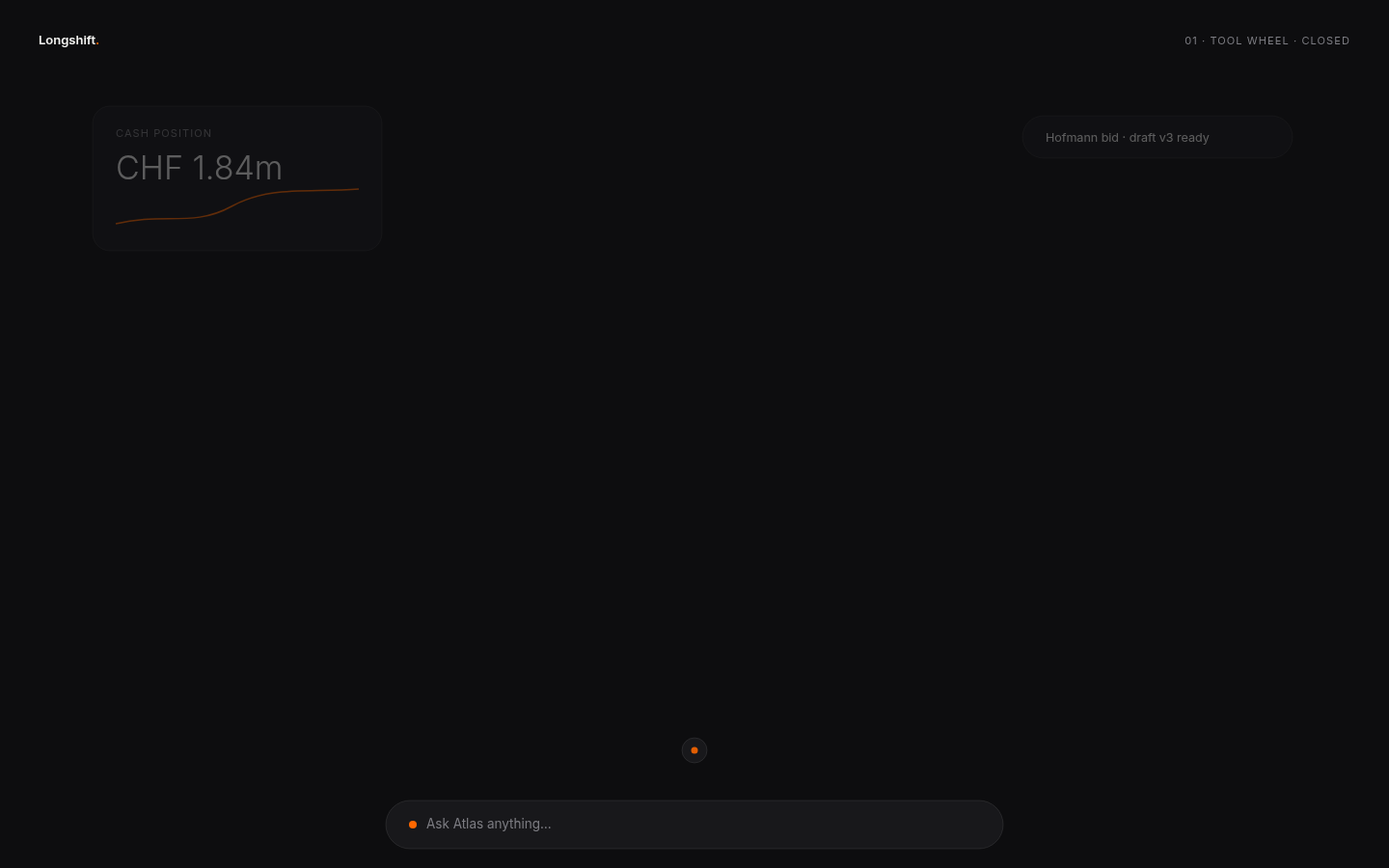 dark · closed
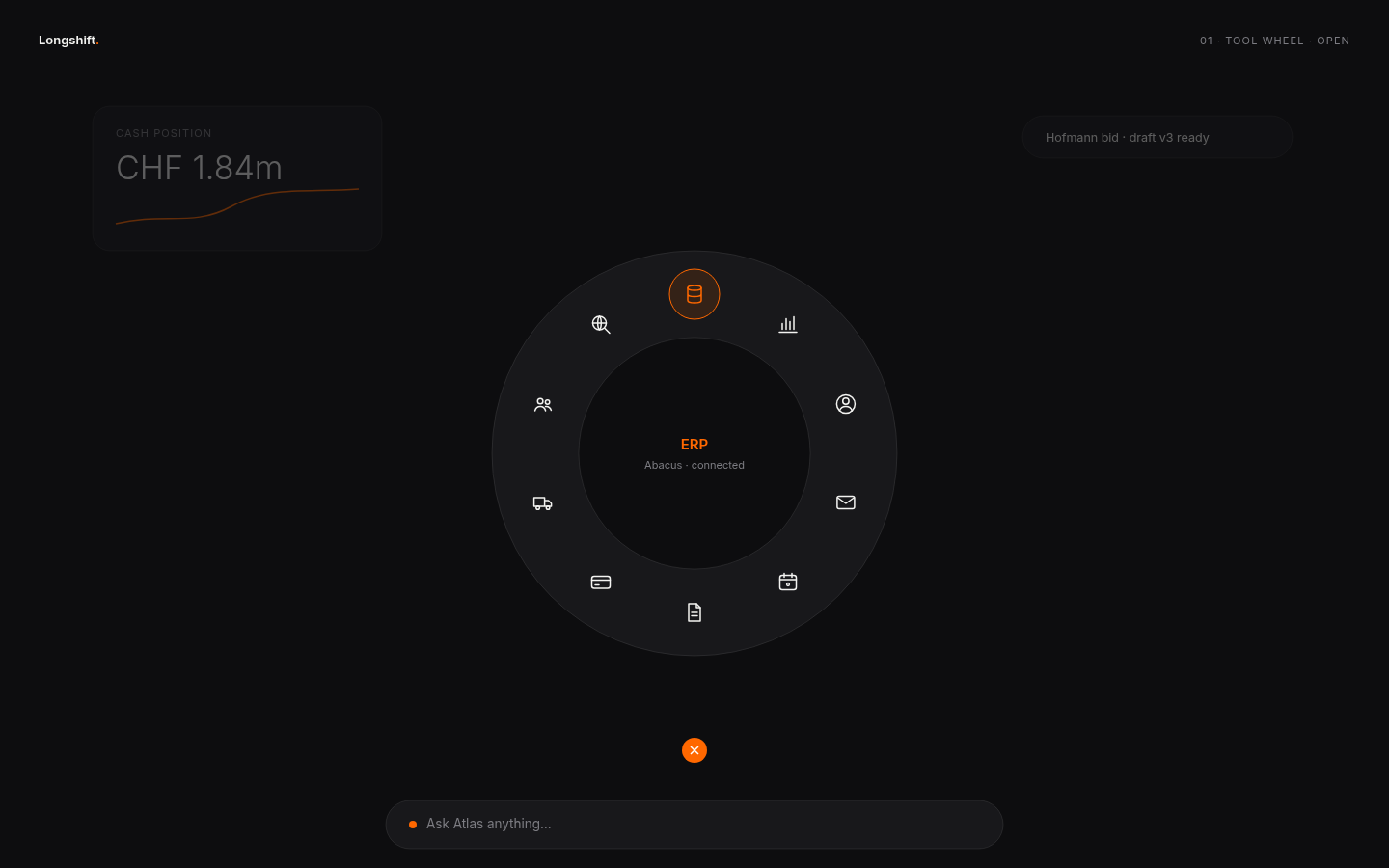 dark · open
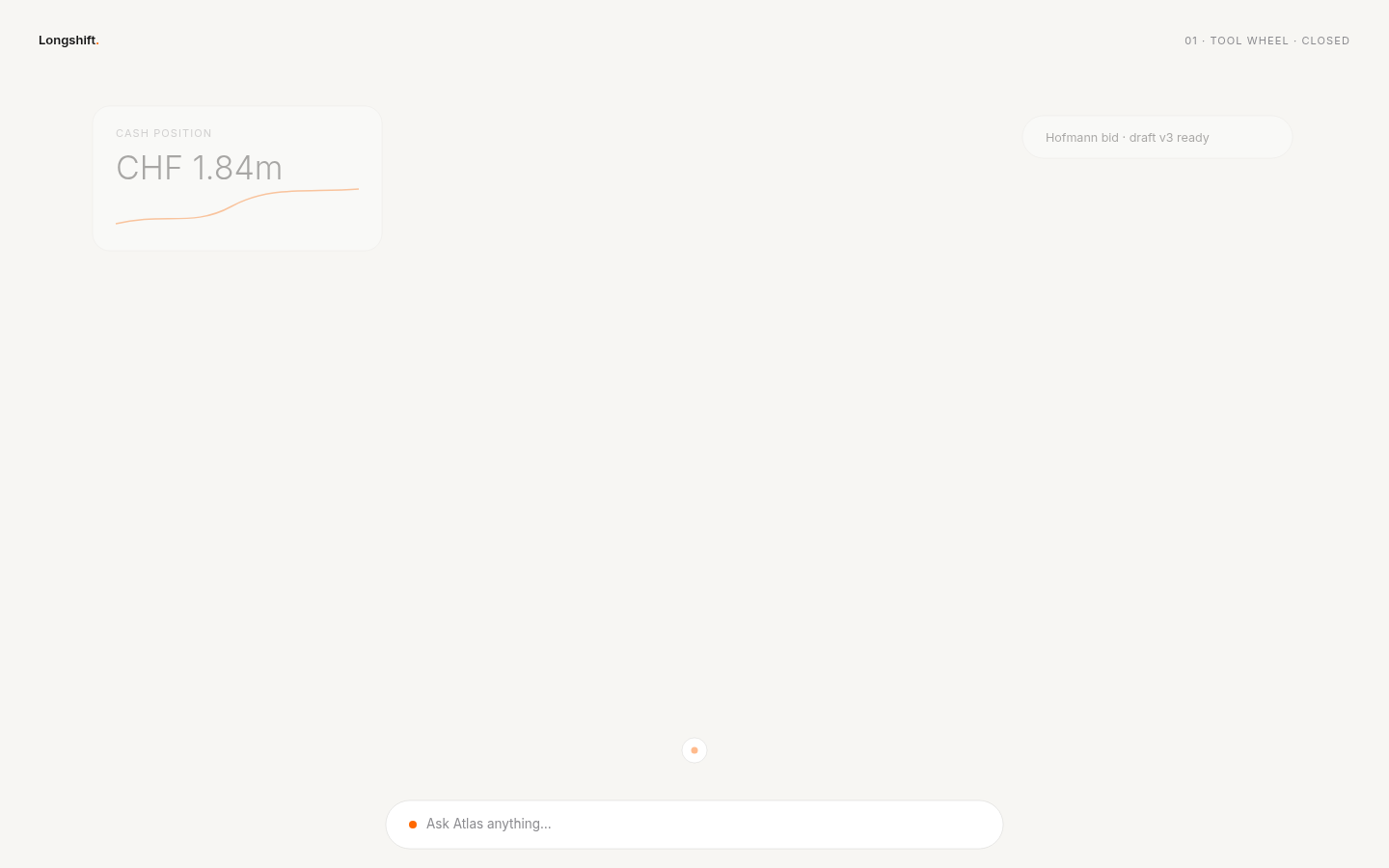 light · closed
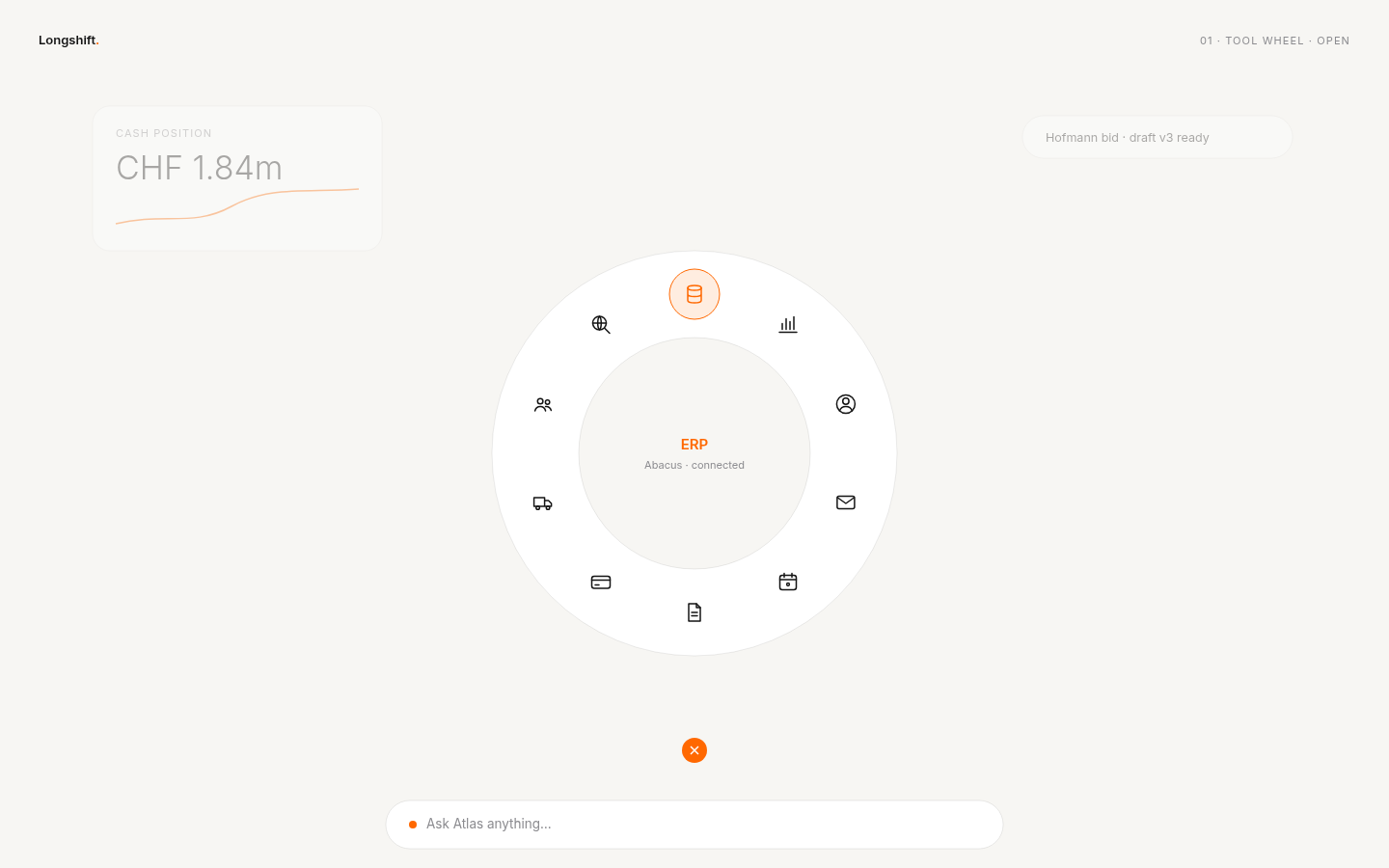 light · open
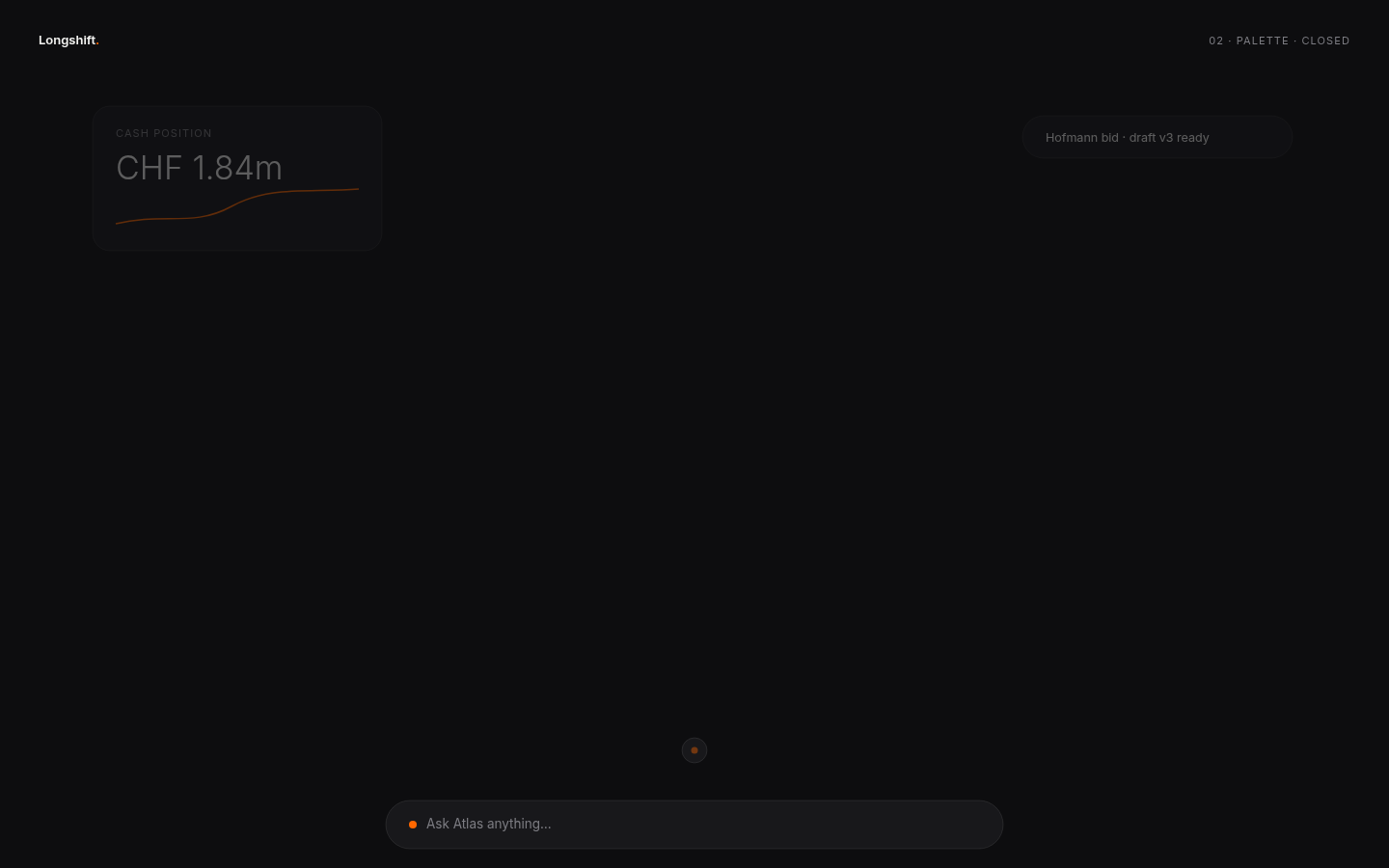 dark · closed
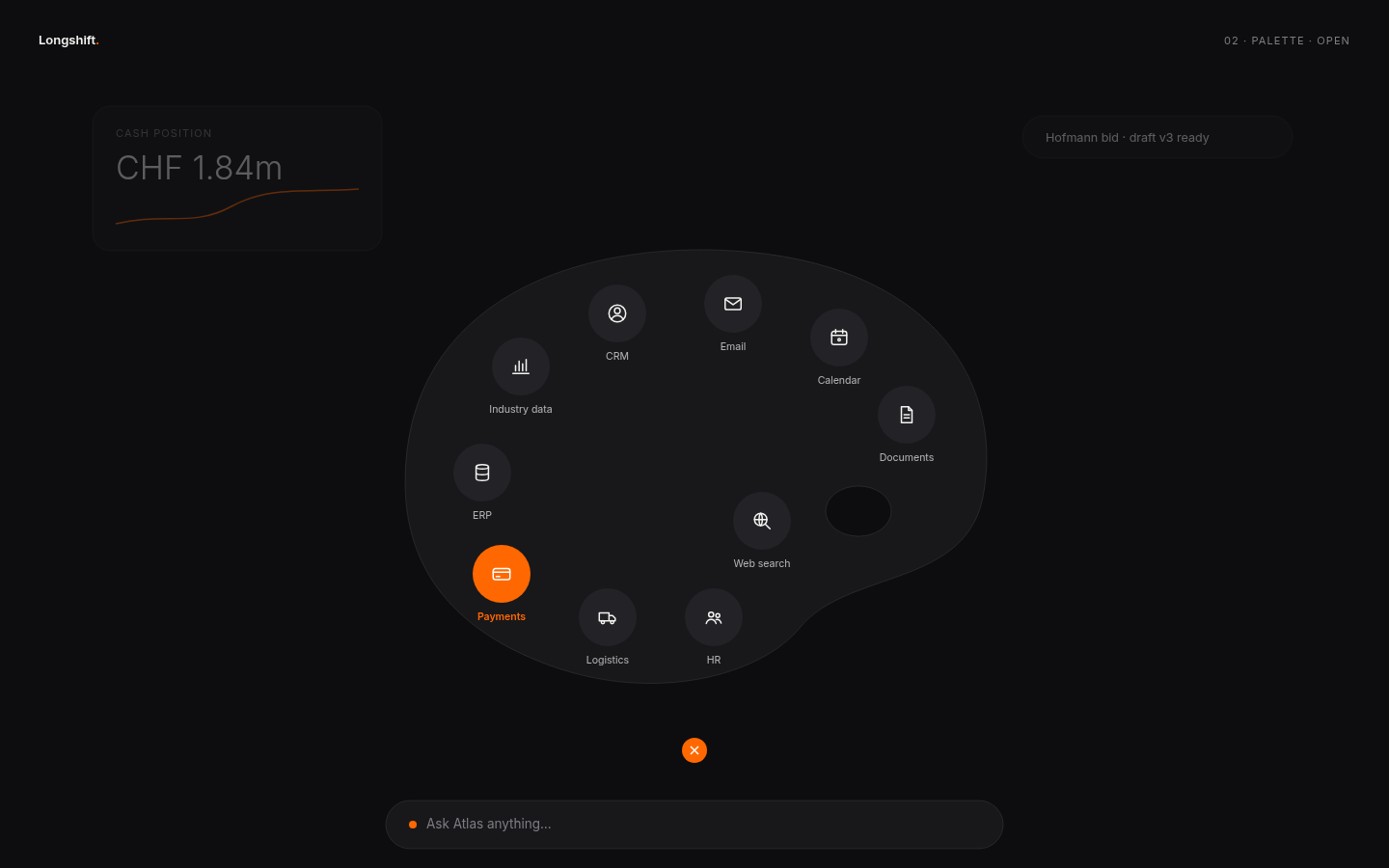 dark · open
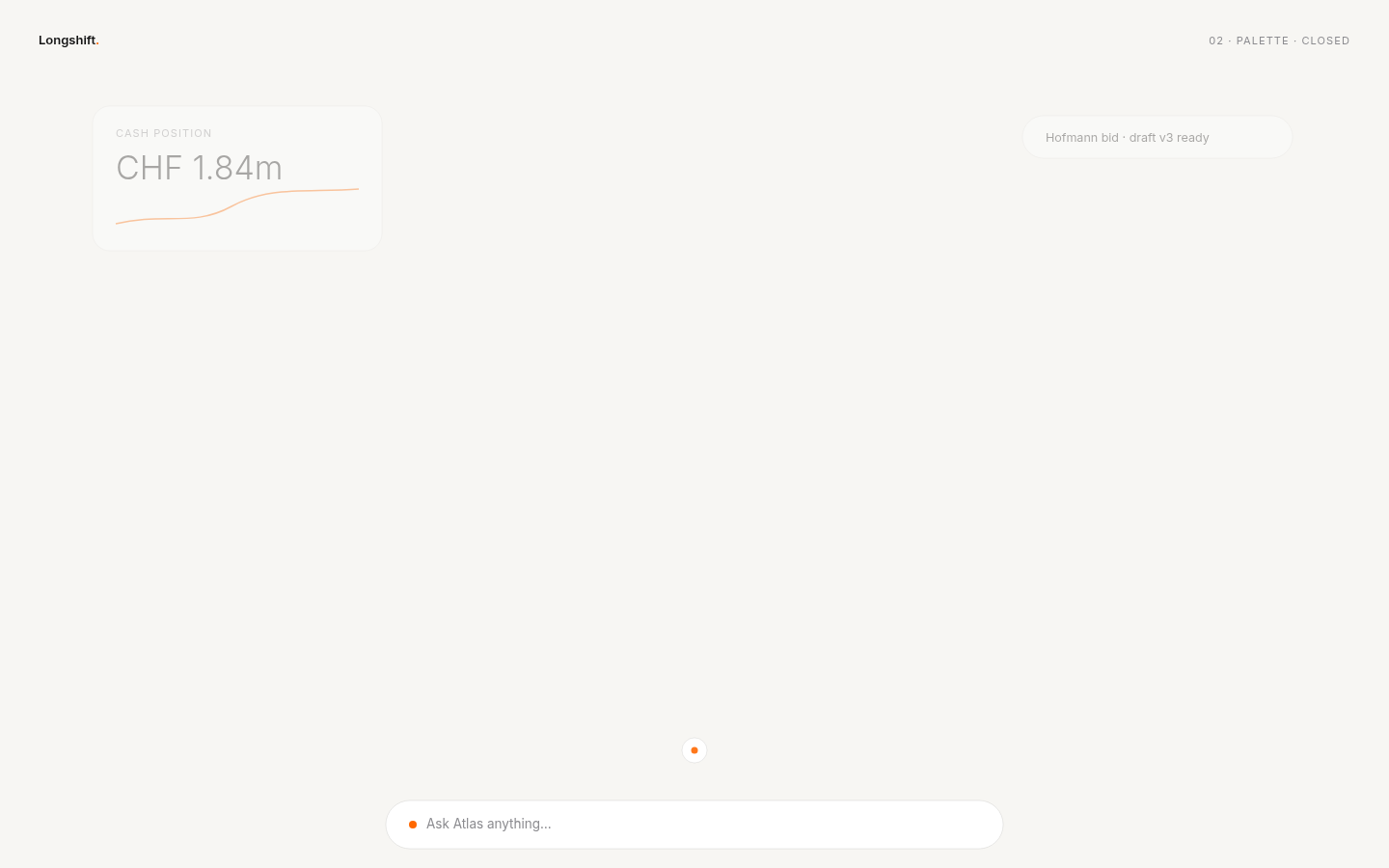 light · closed
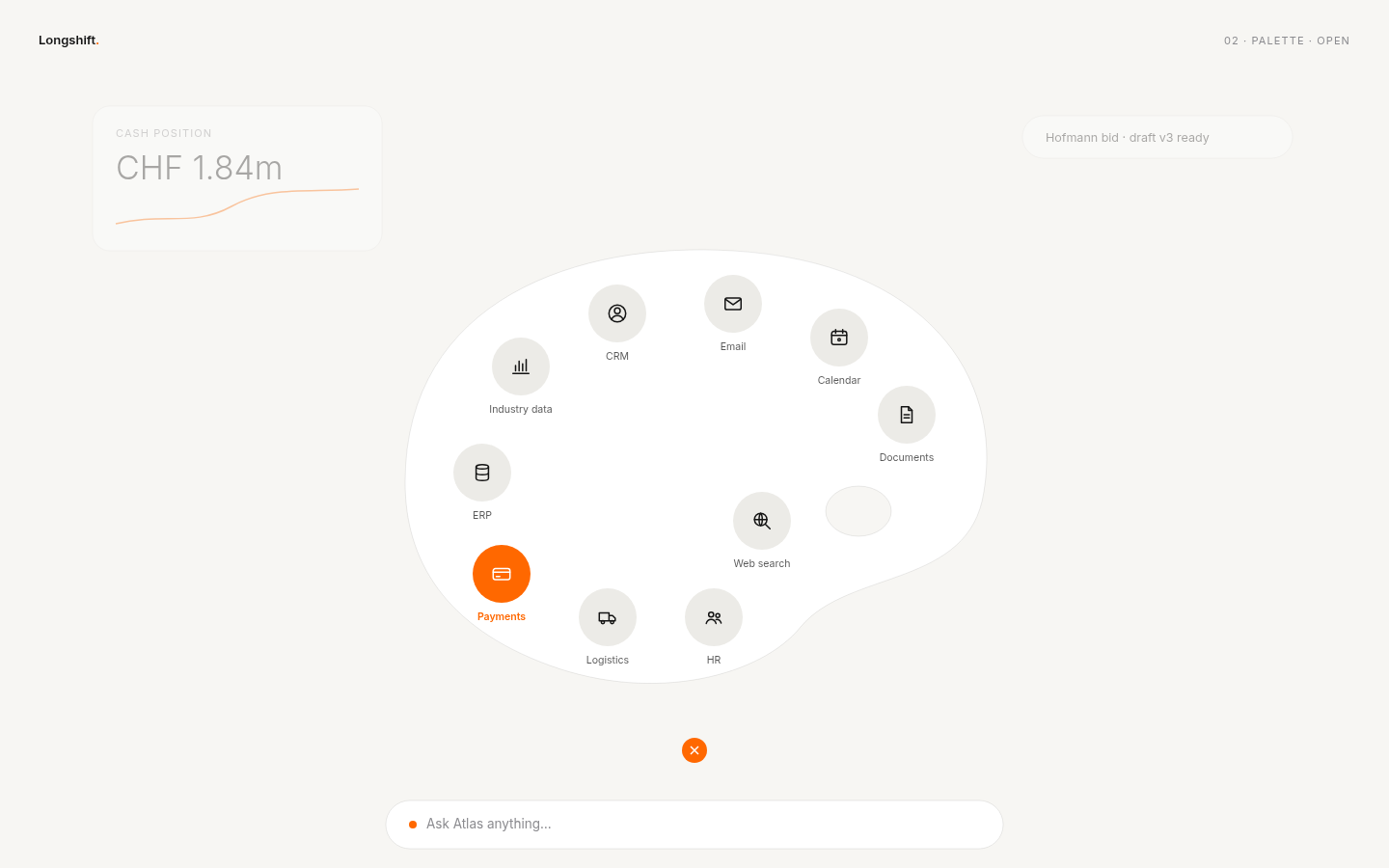 light · open
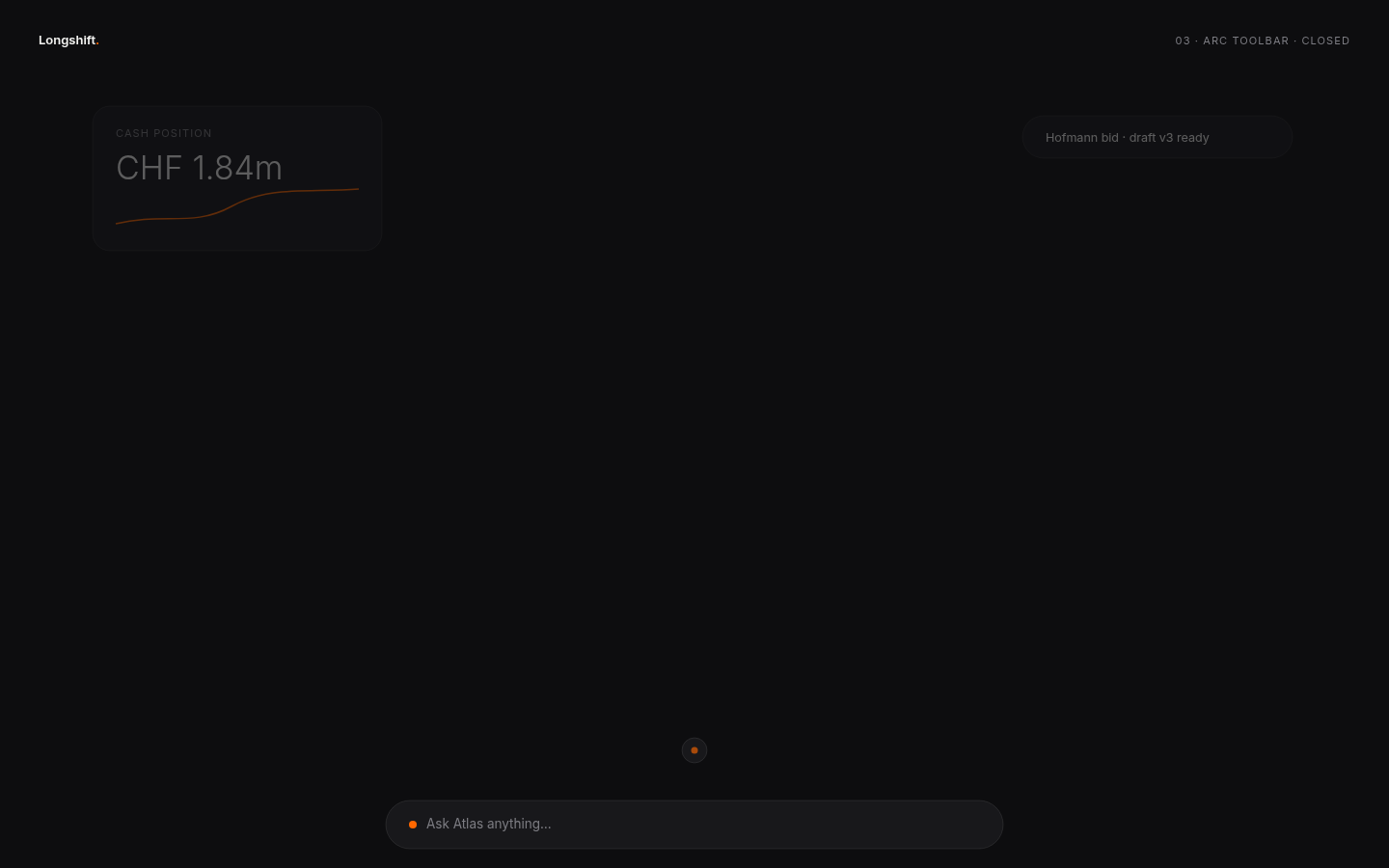 dark · closed
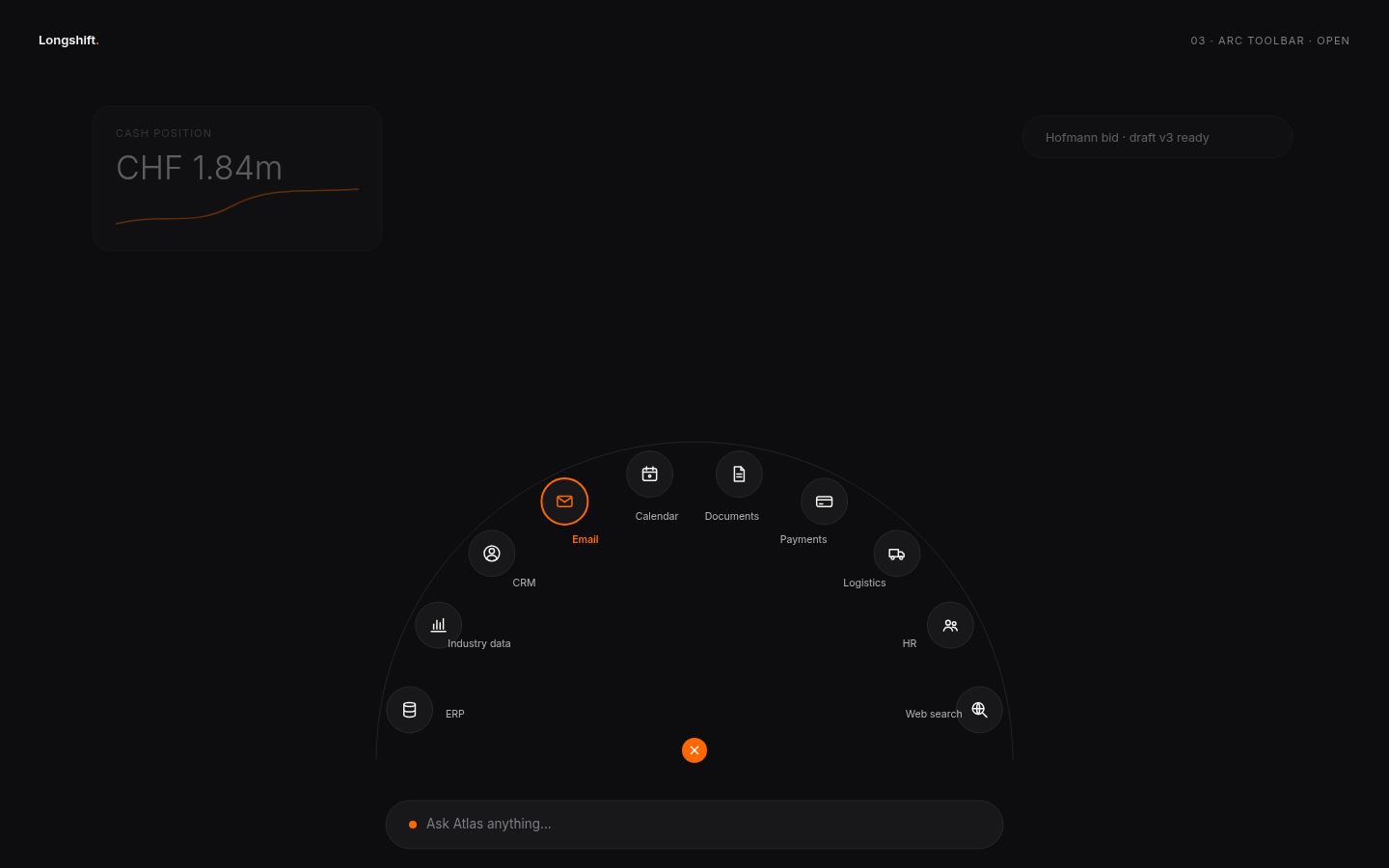 dark · open
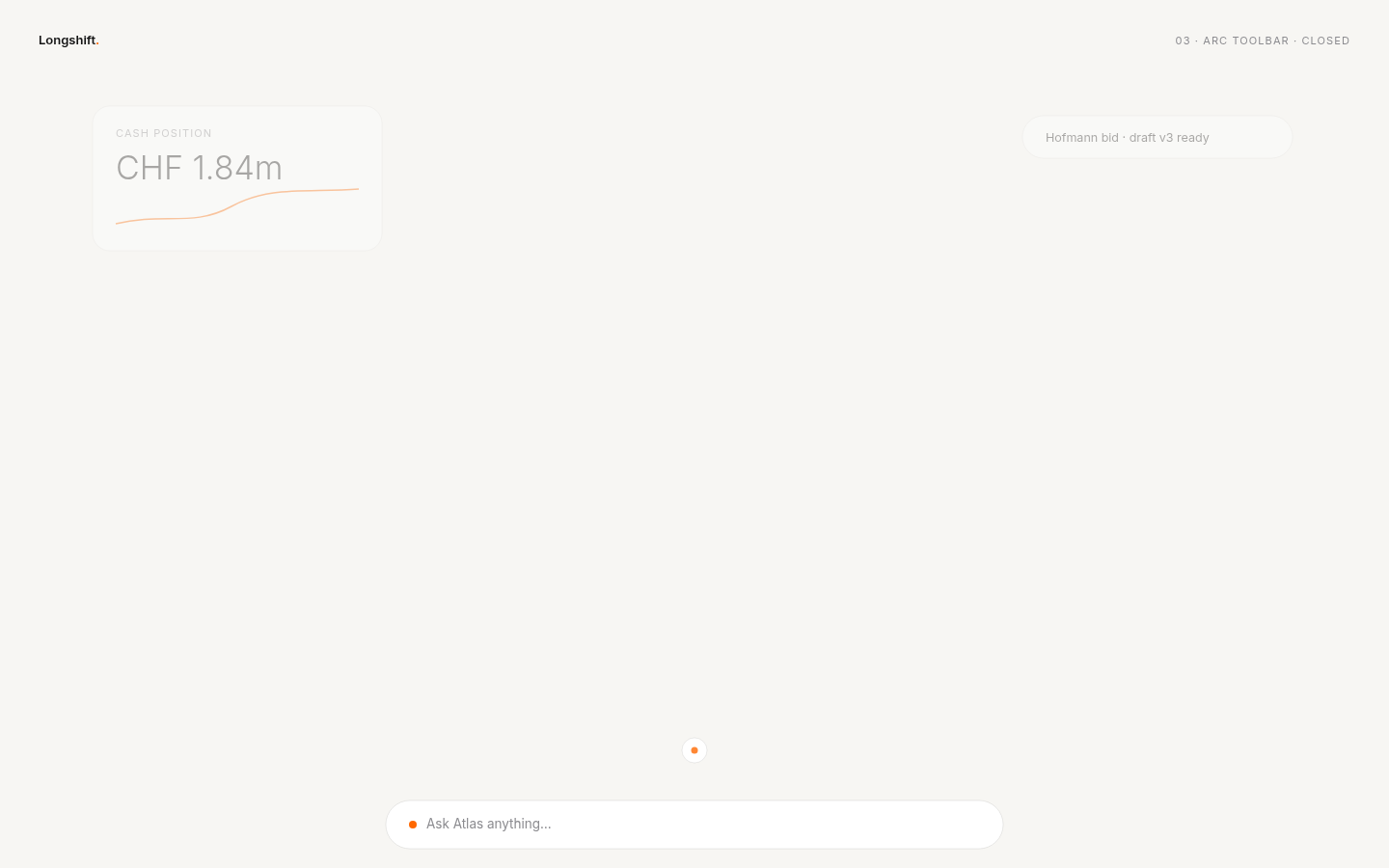 light · closed
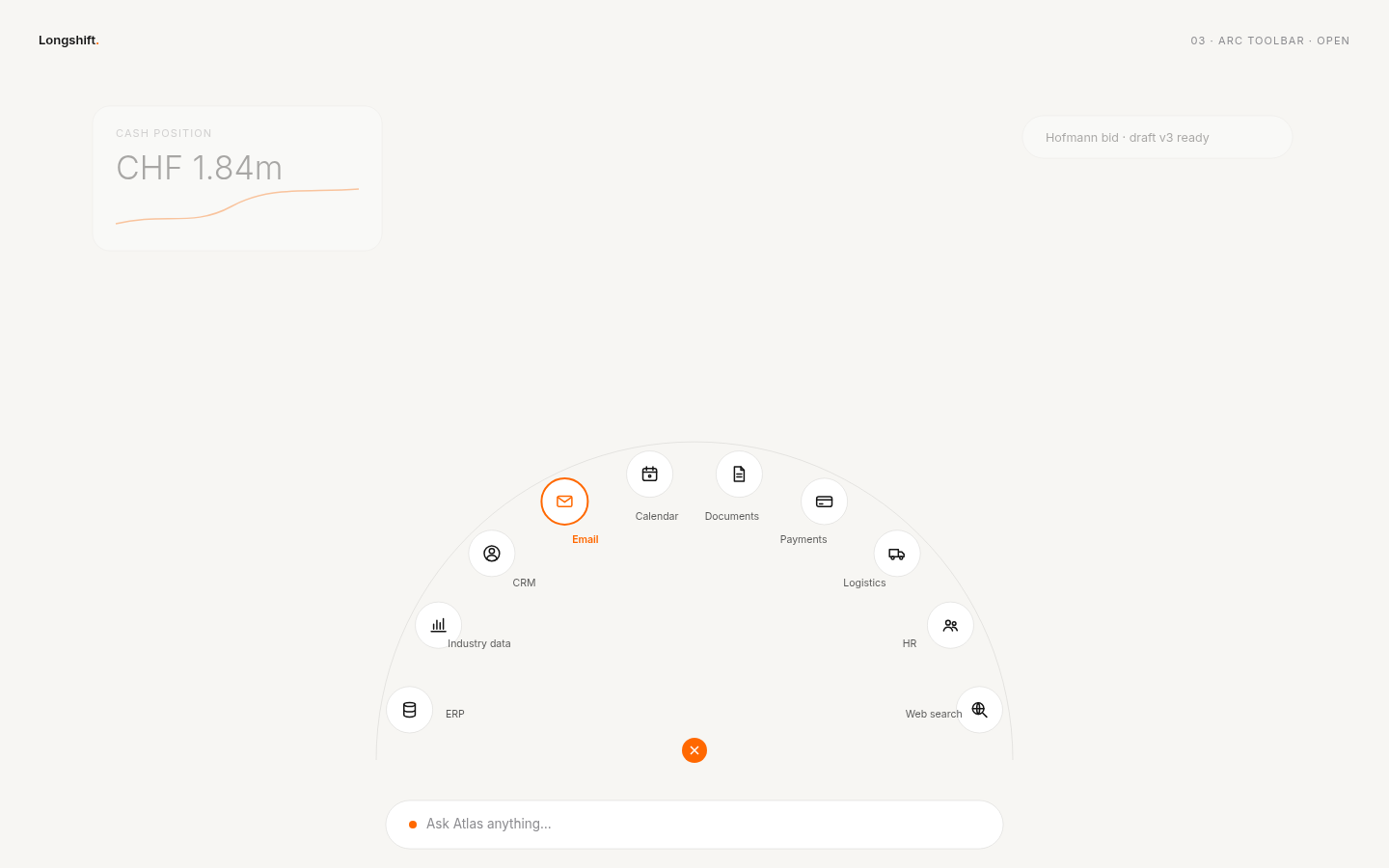 light · open
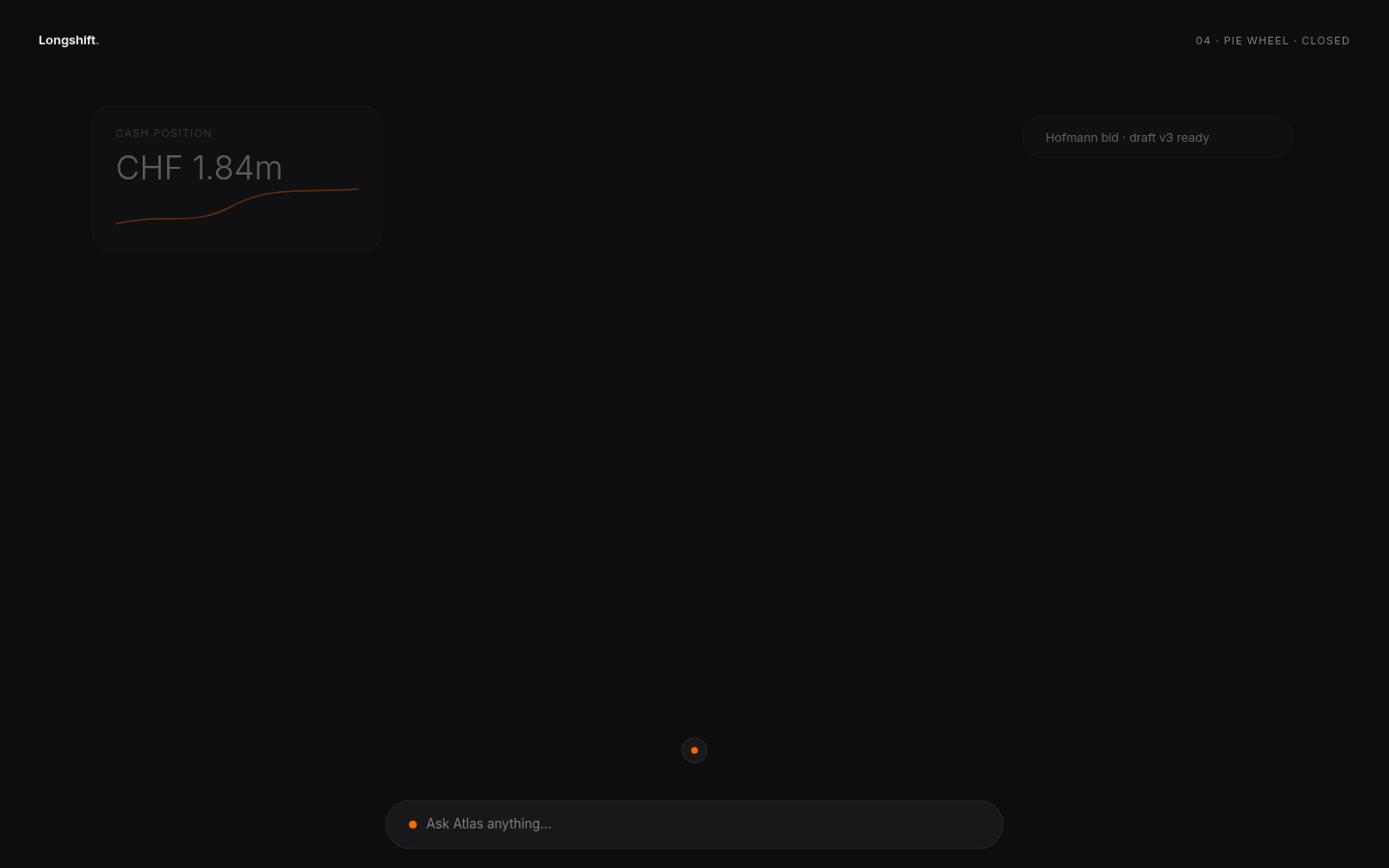 dark · closed
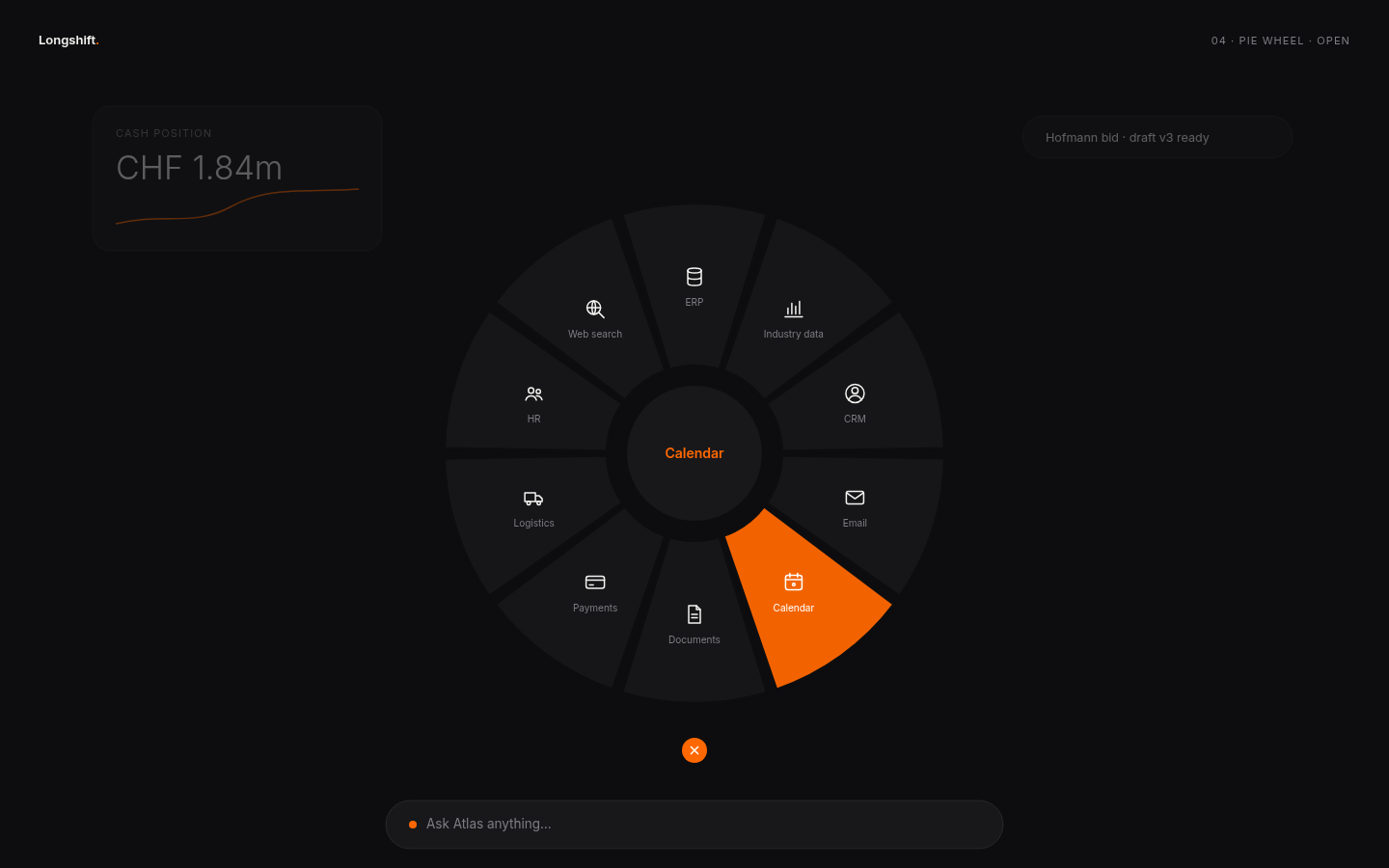 dark · open
 light · closed
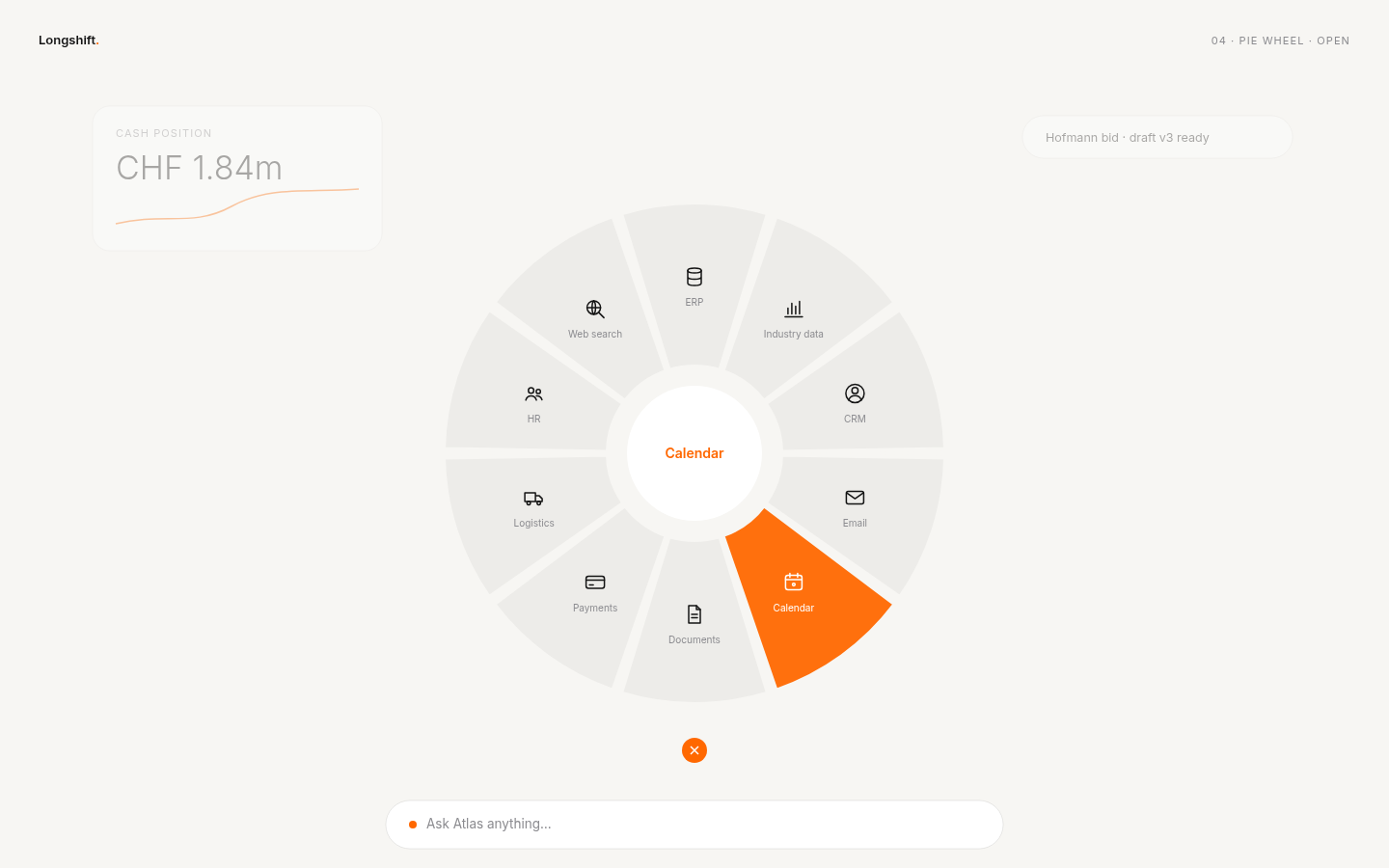 light · open
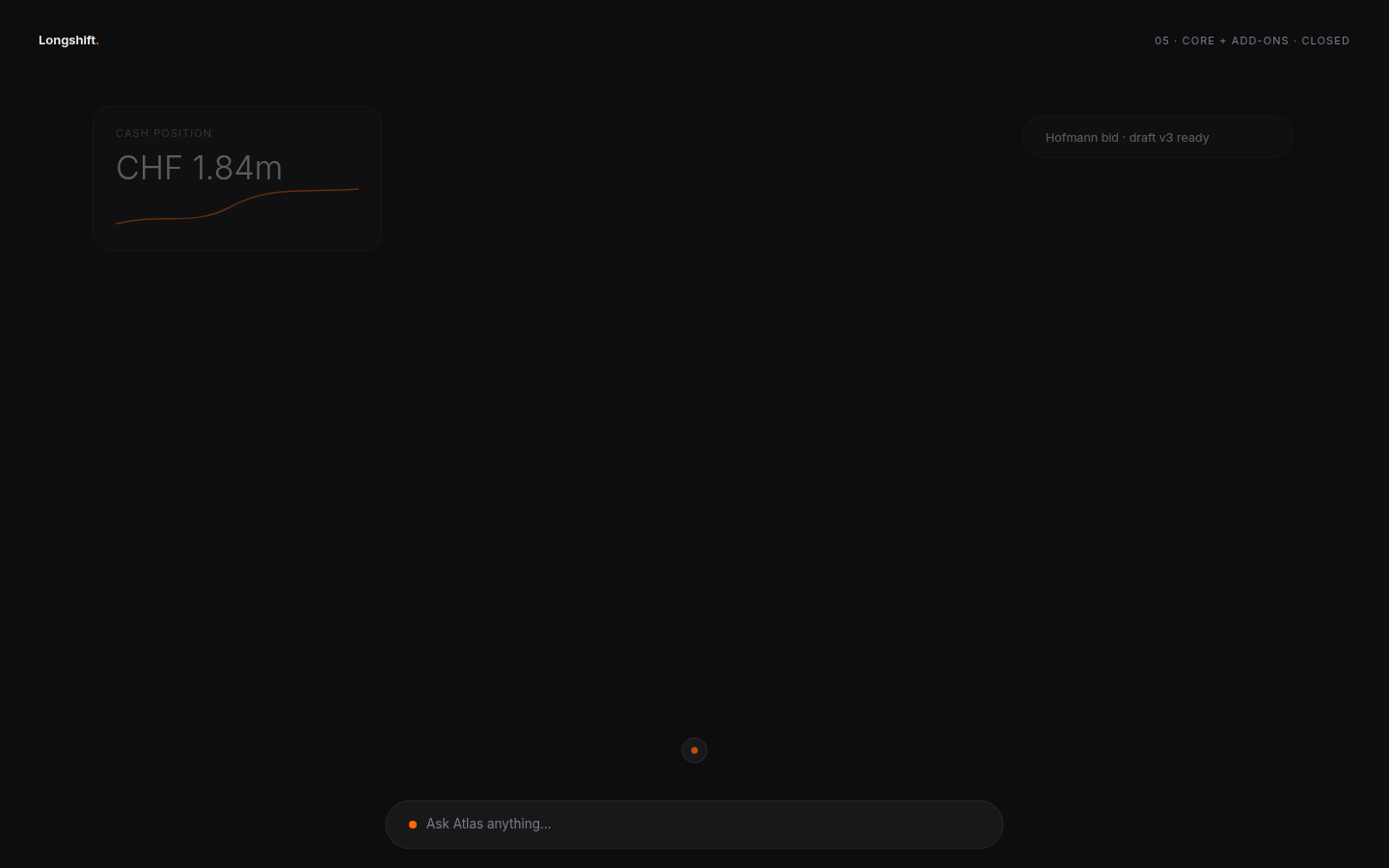 dark · closed
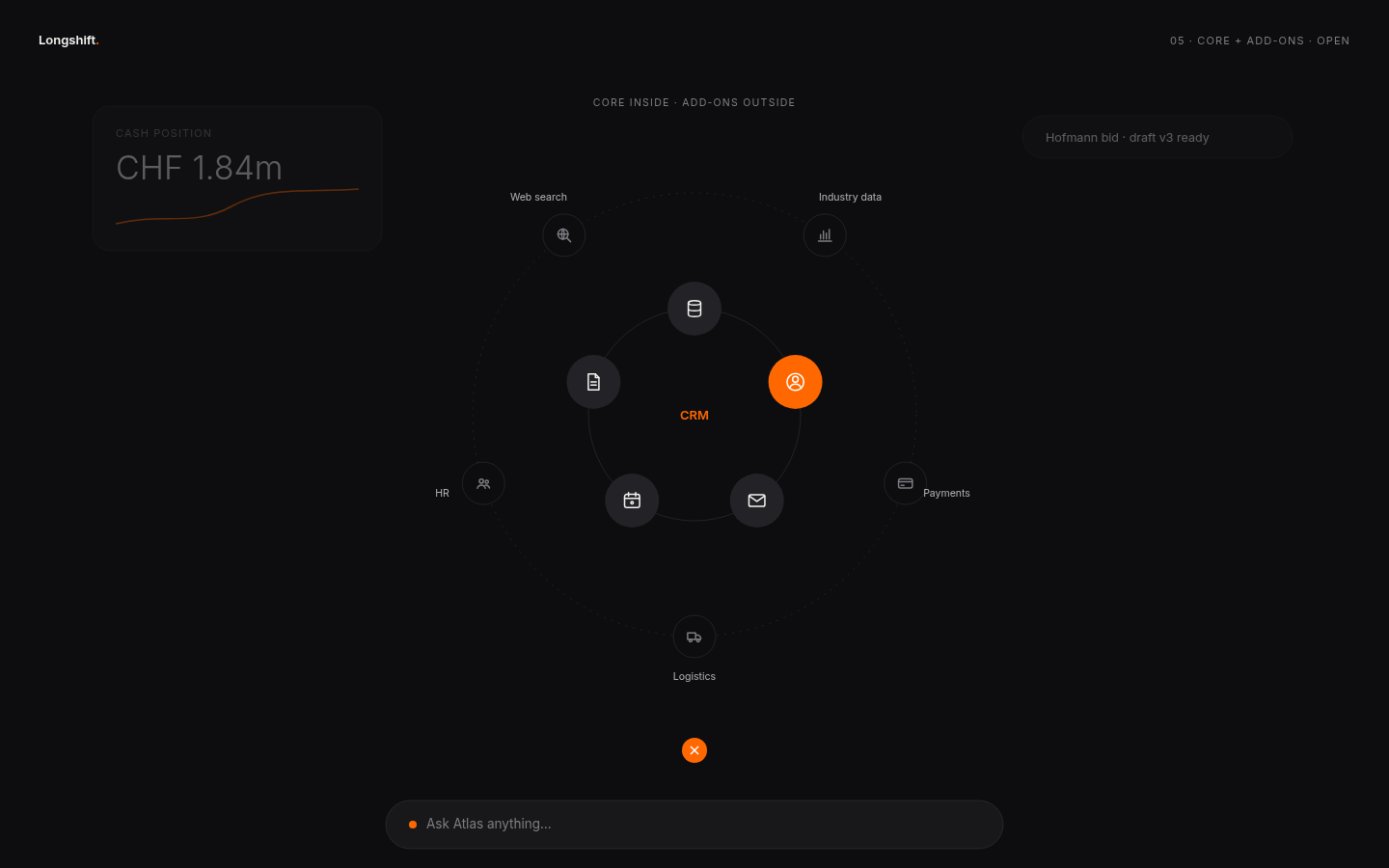 dark · open
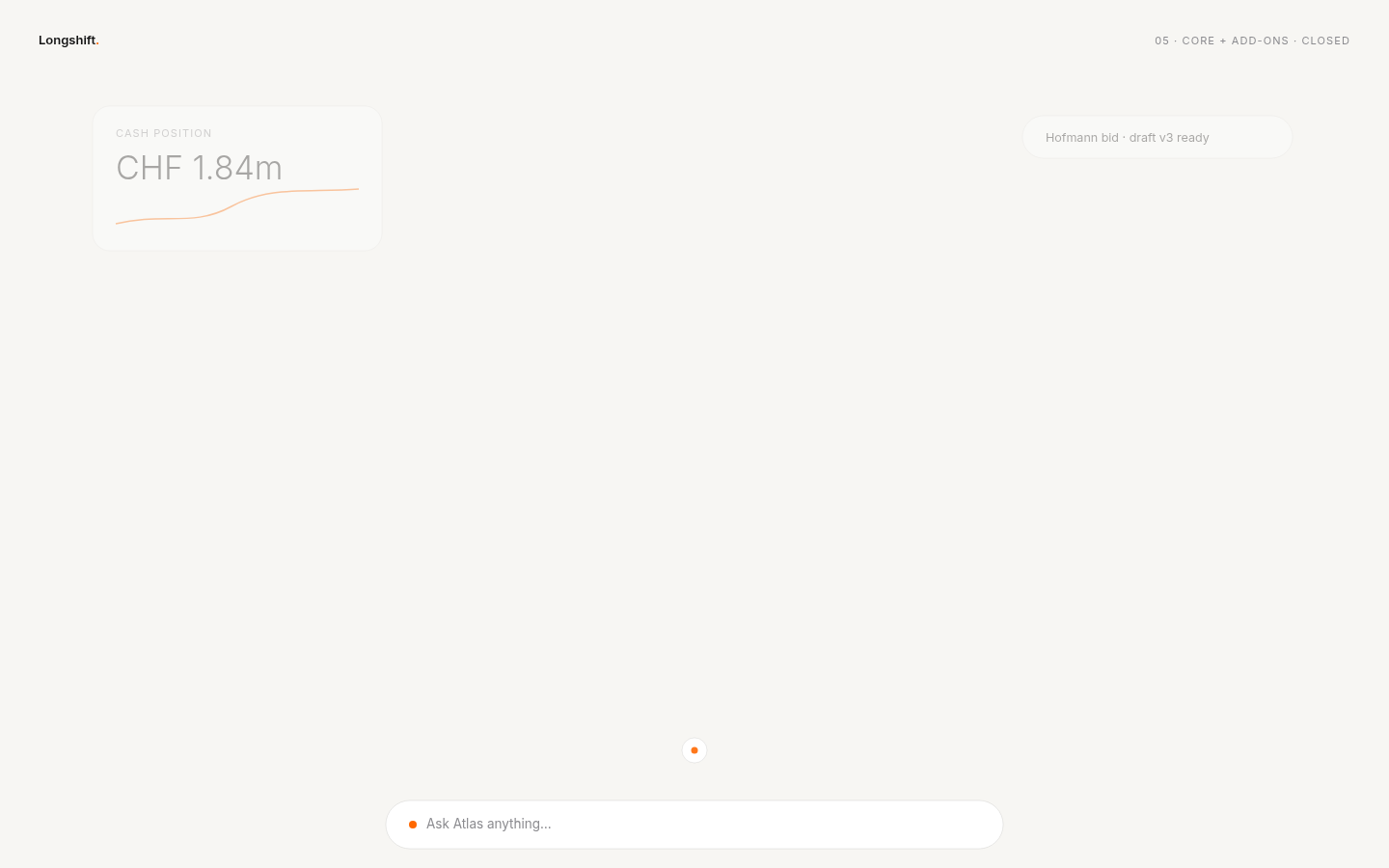 light · closed
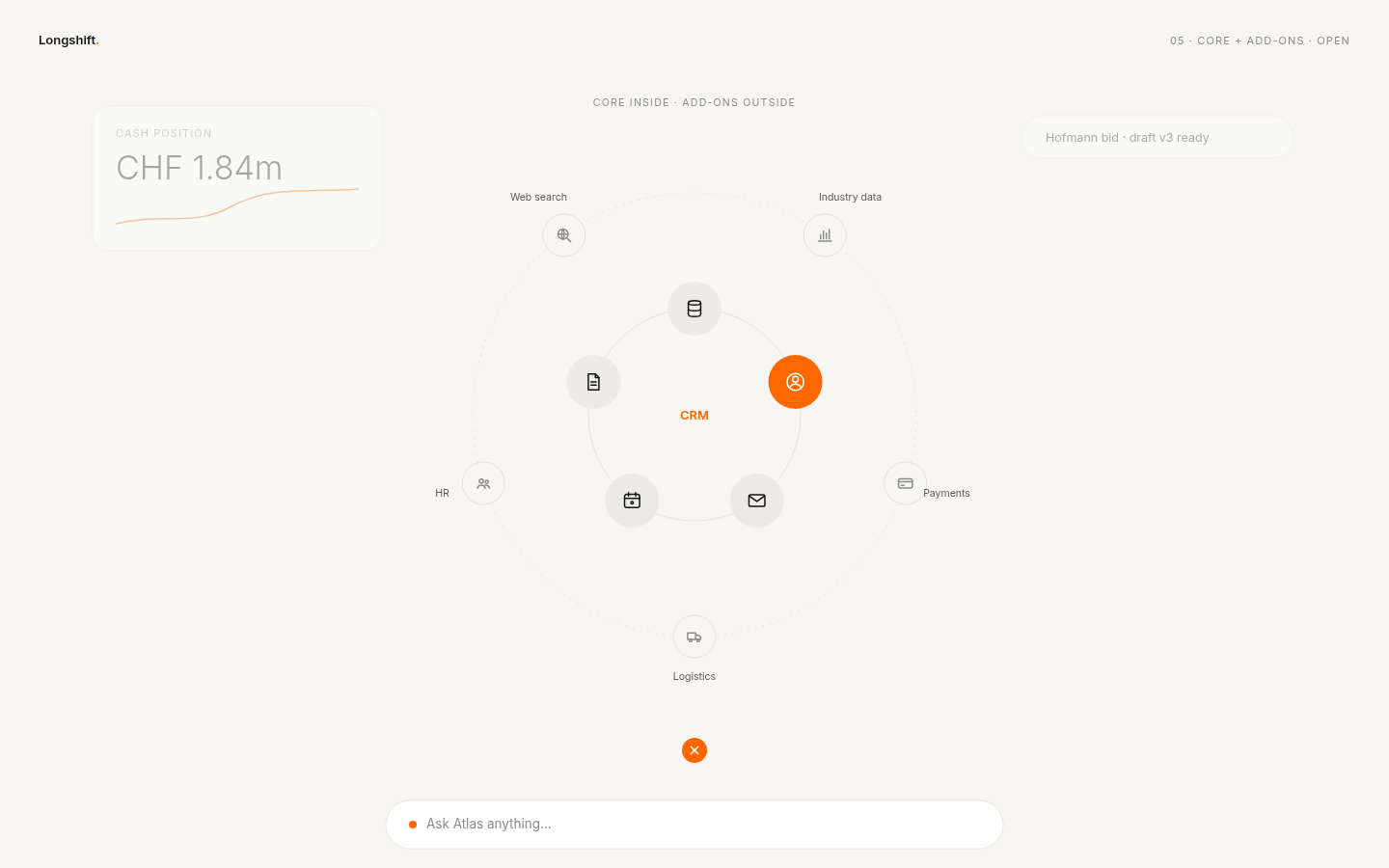 light · open
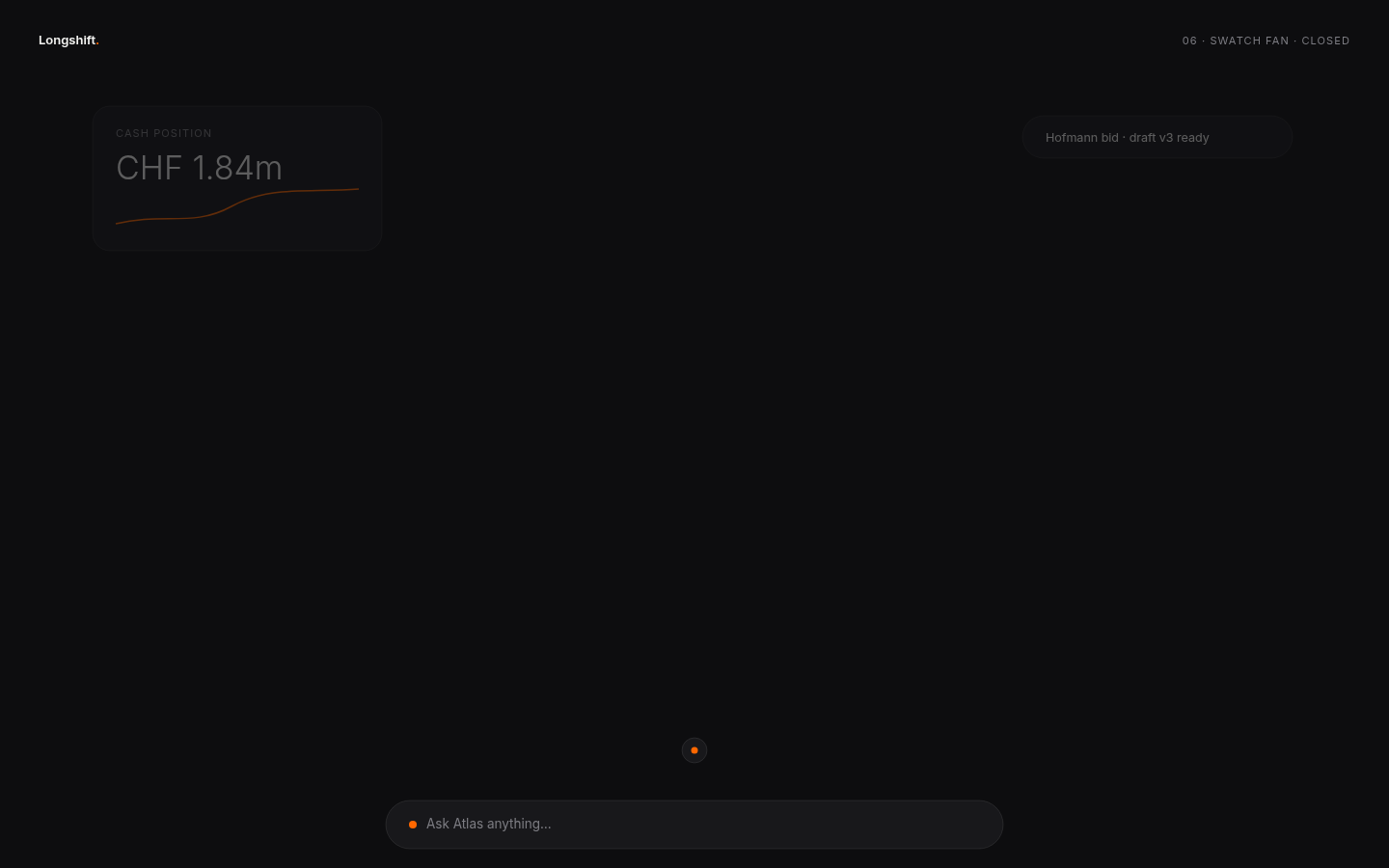 dark · closed
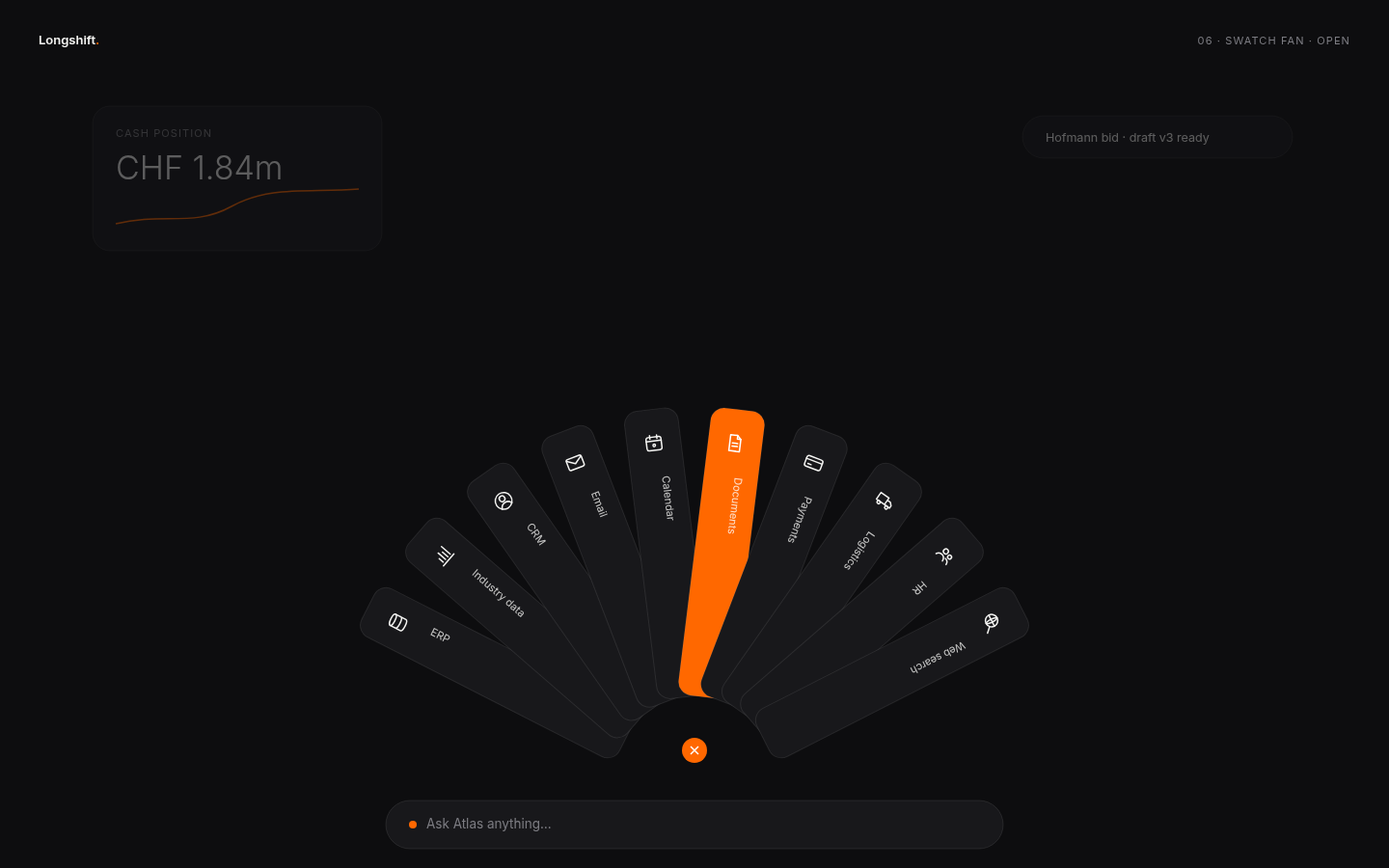 dark · open
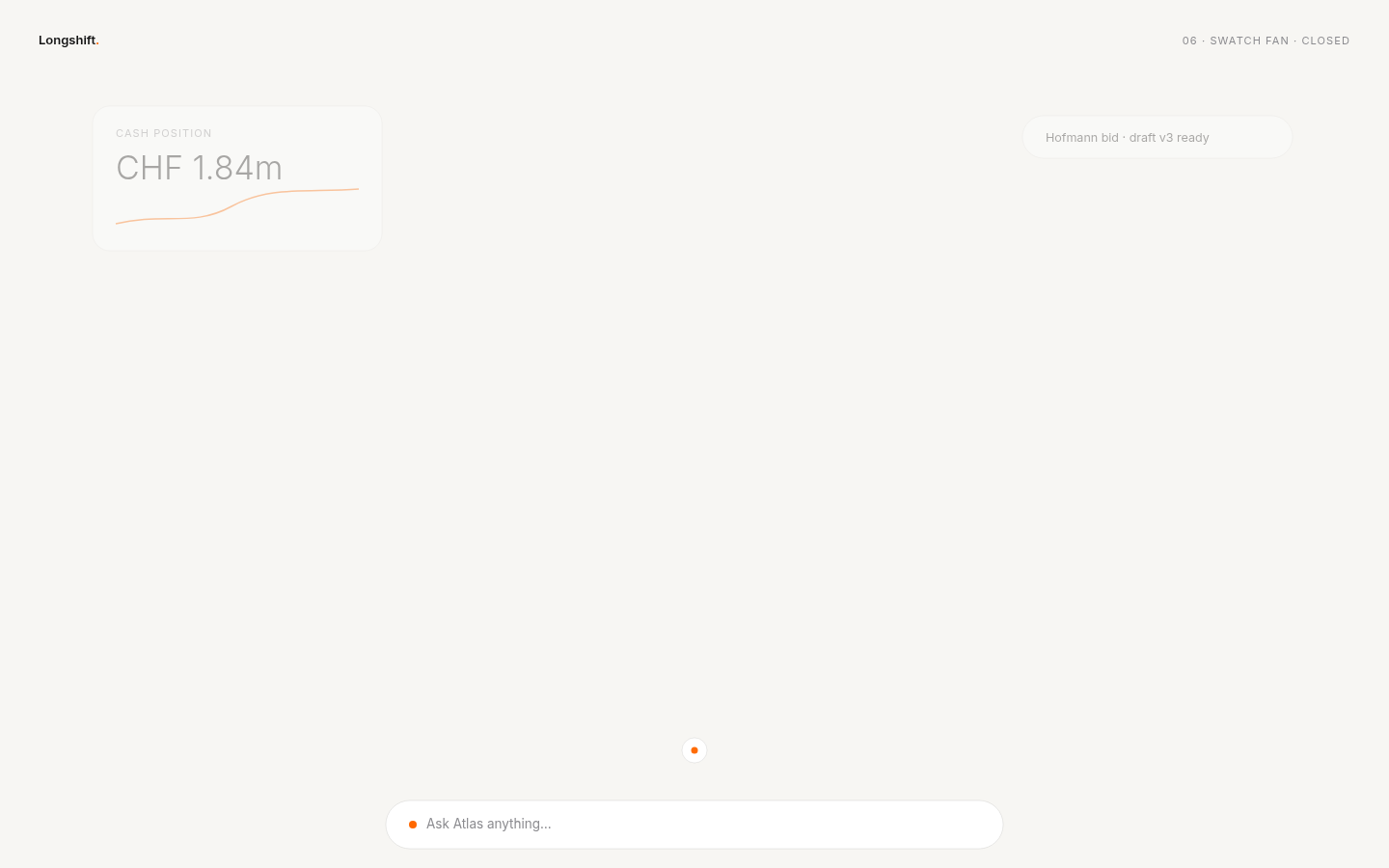 light · closed
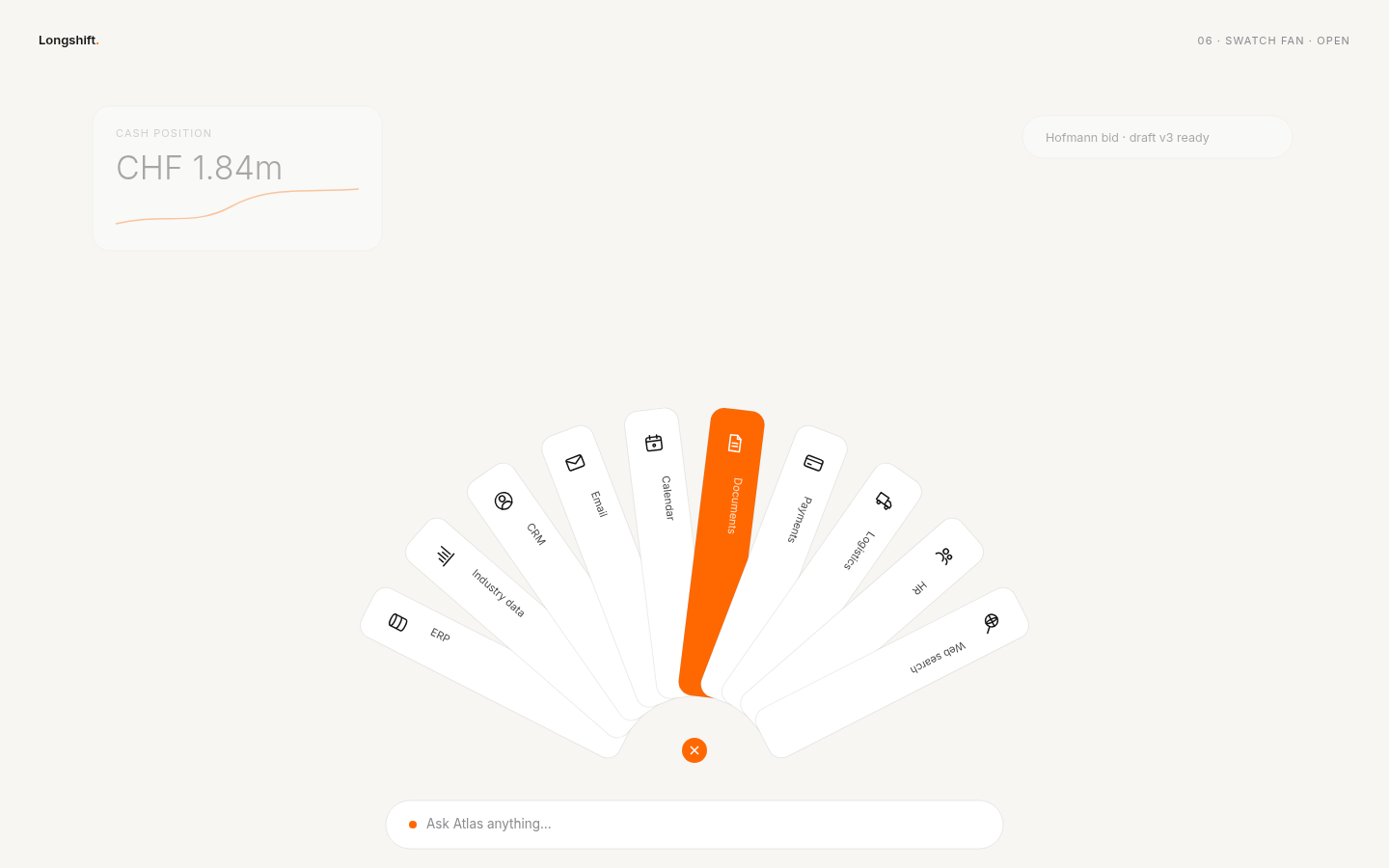 light · open
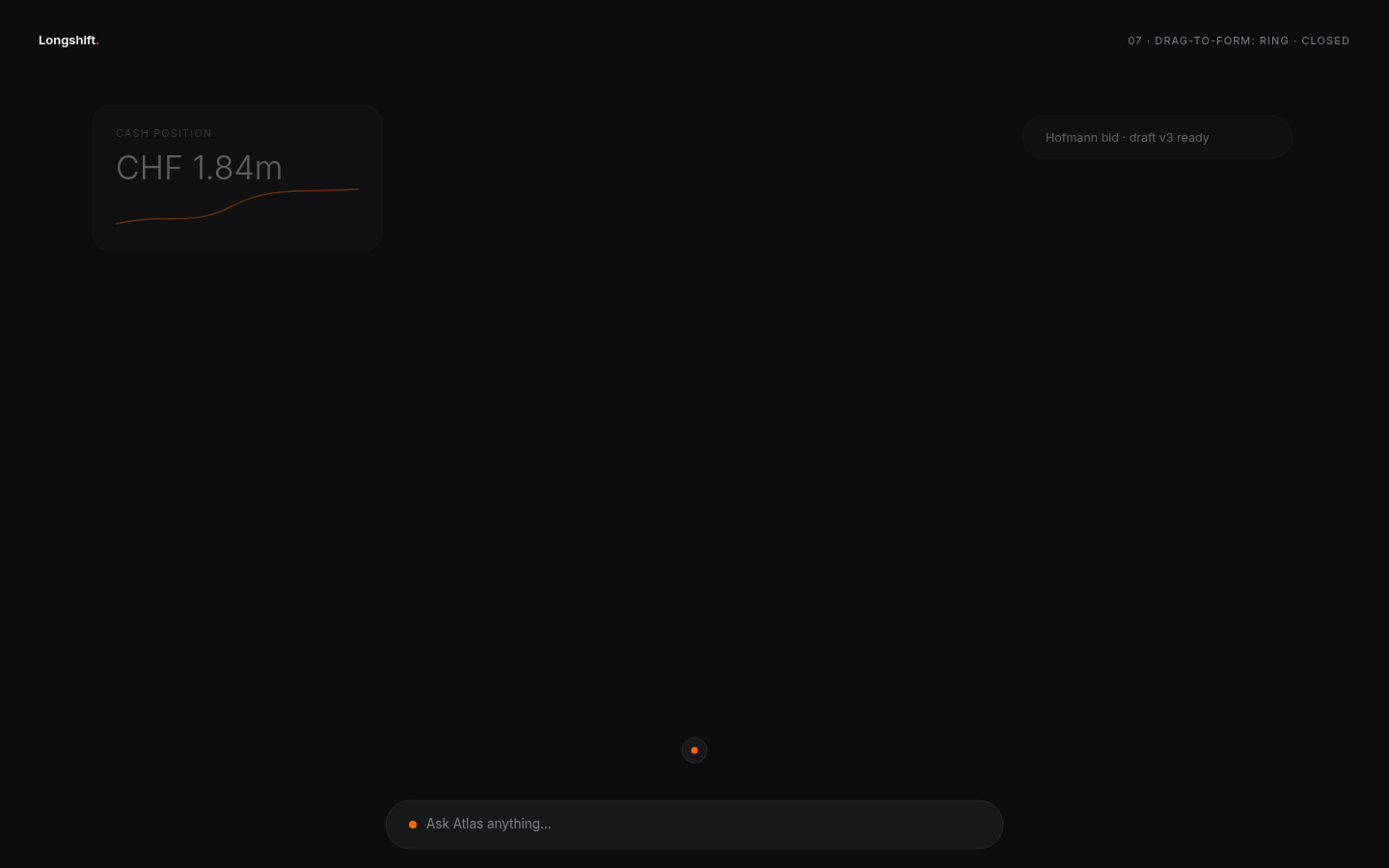 dark · closed
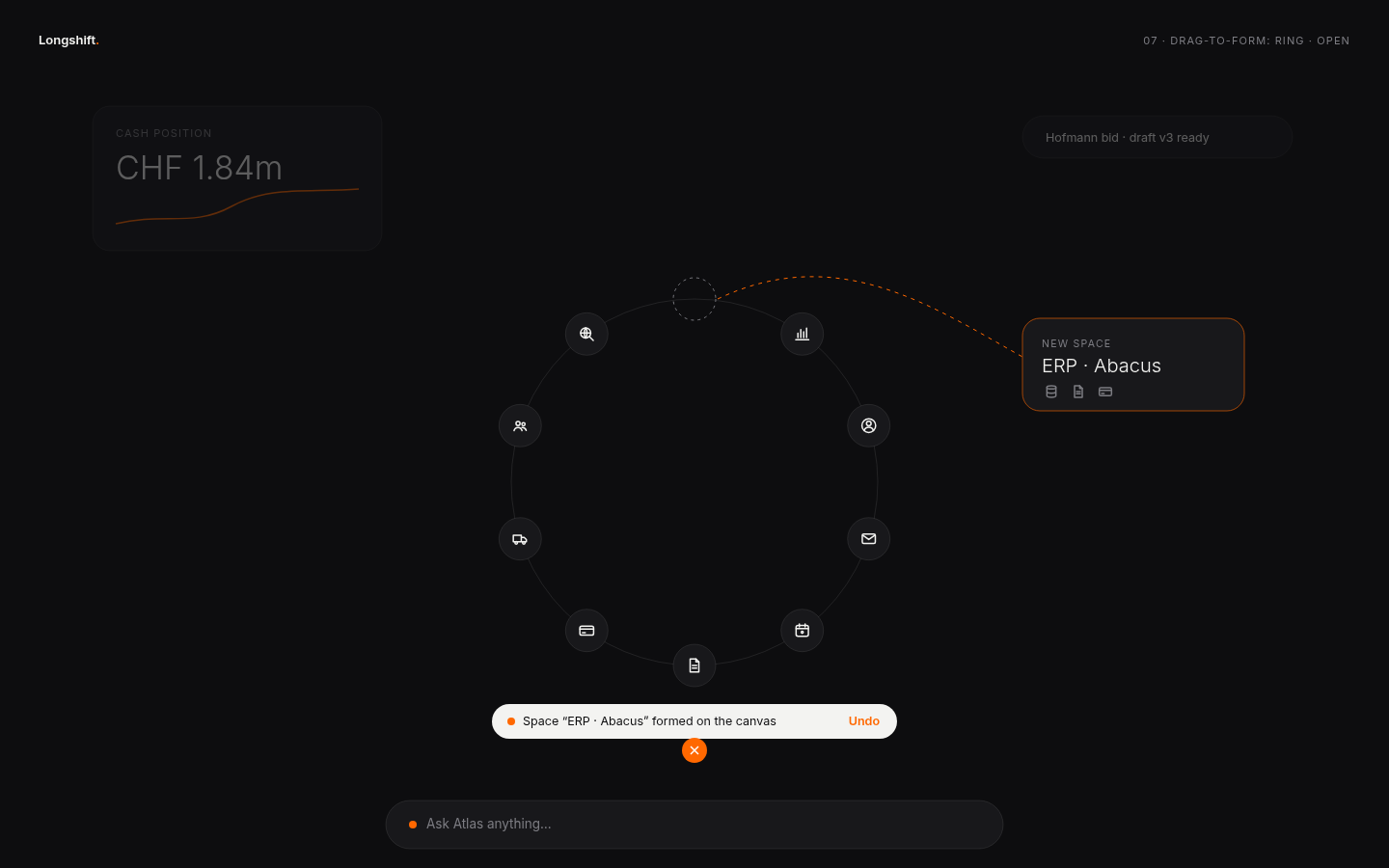 dark · open
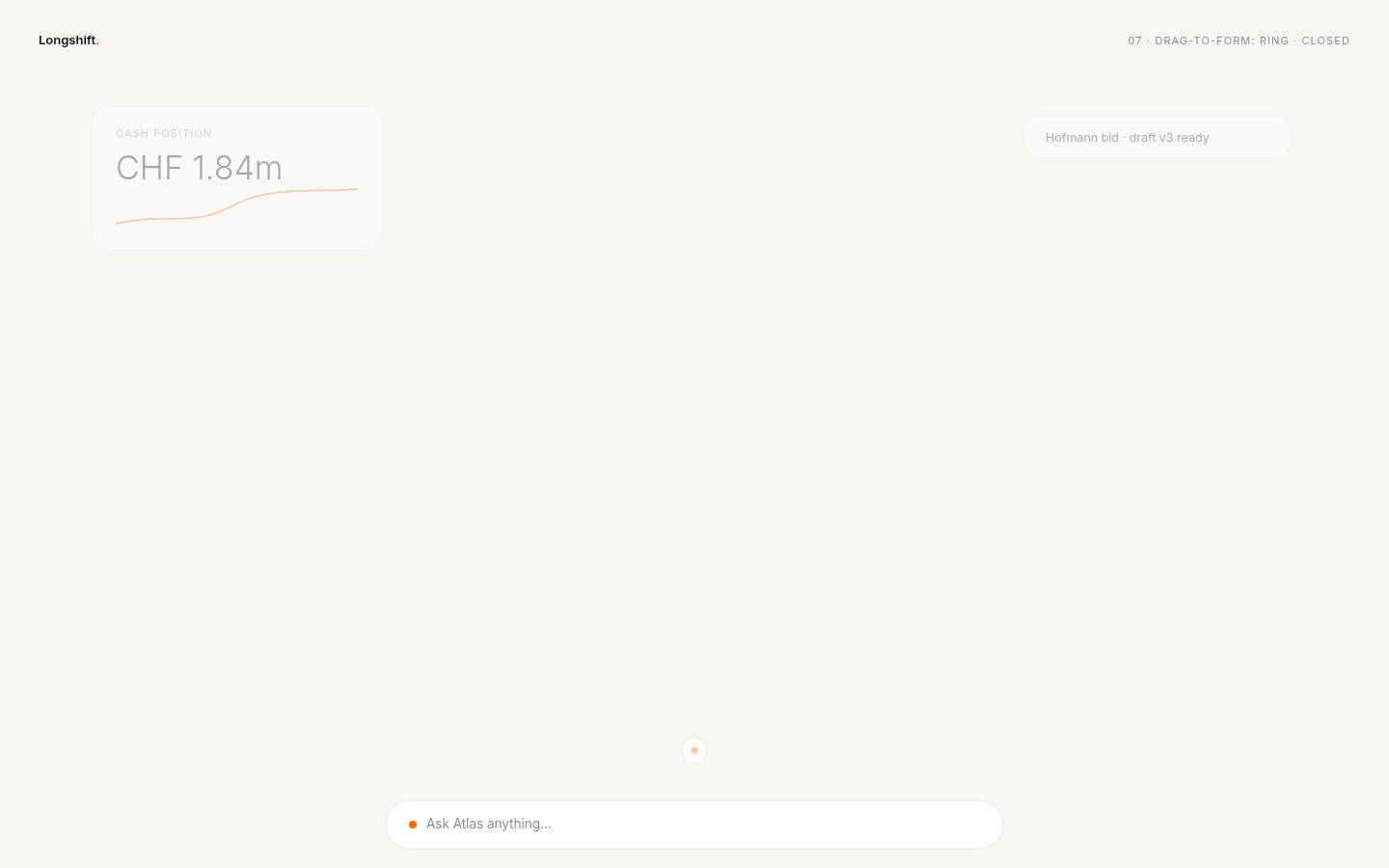 light · closed
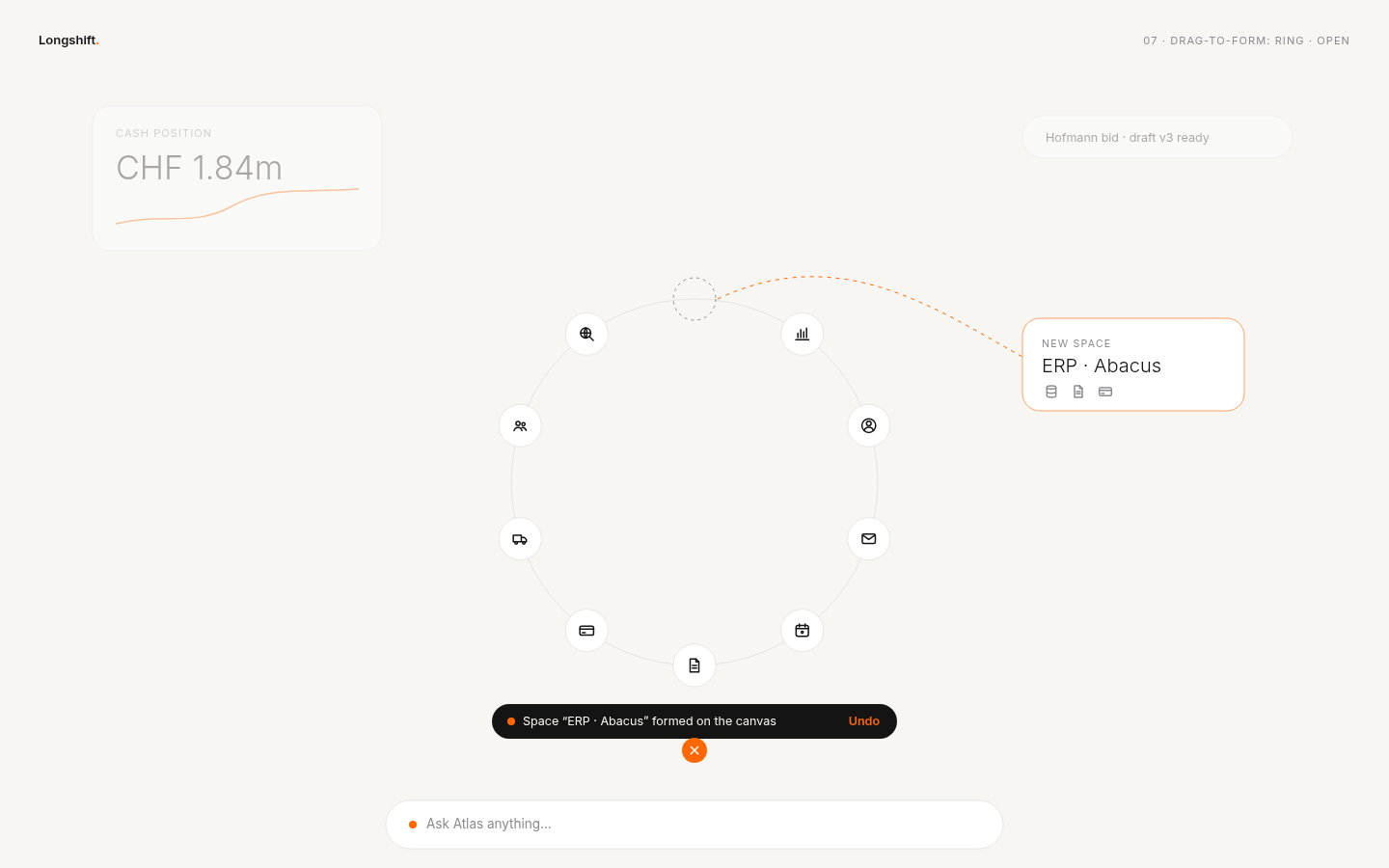 light · open
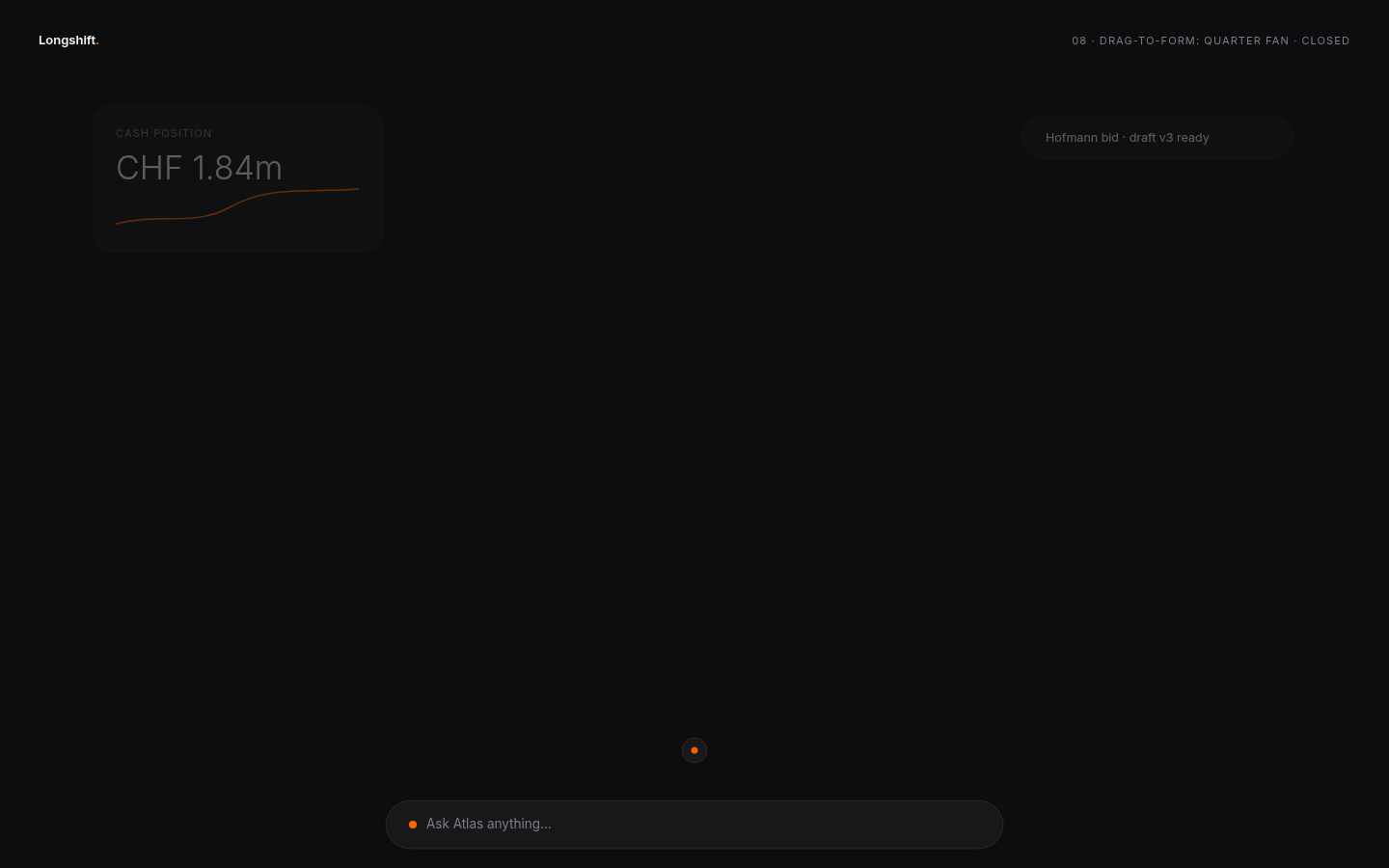 dark · closed
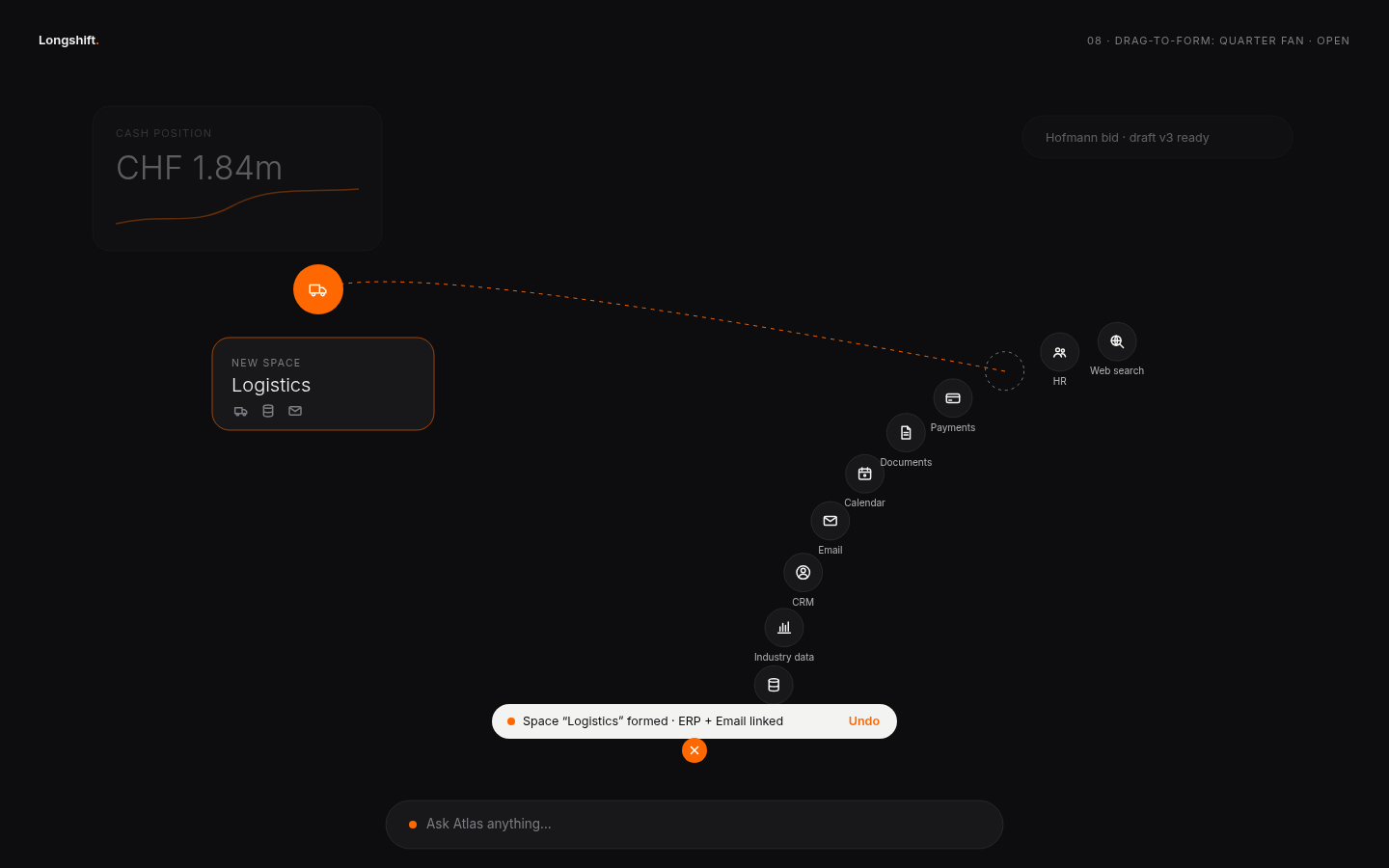 dark · open
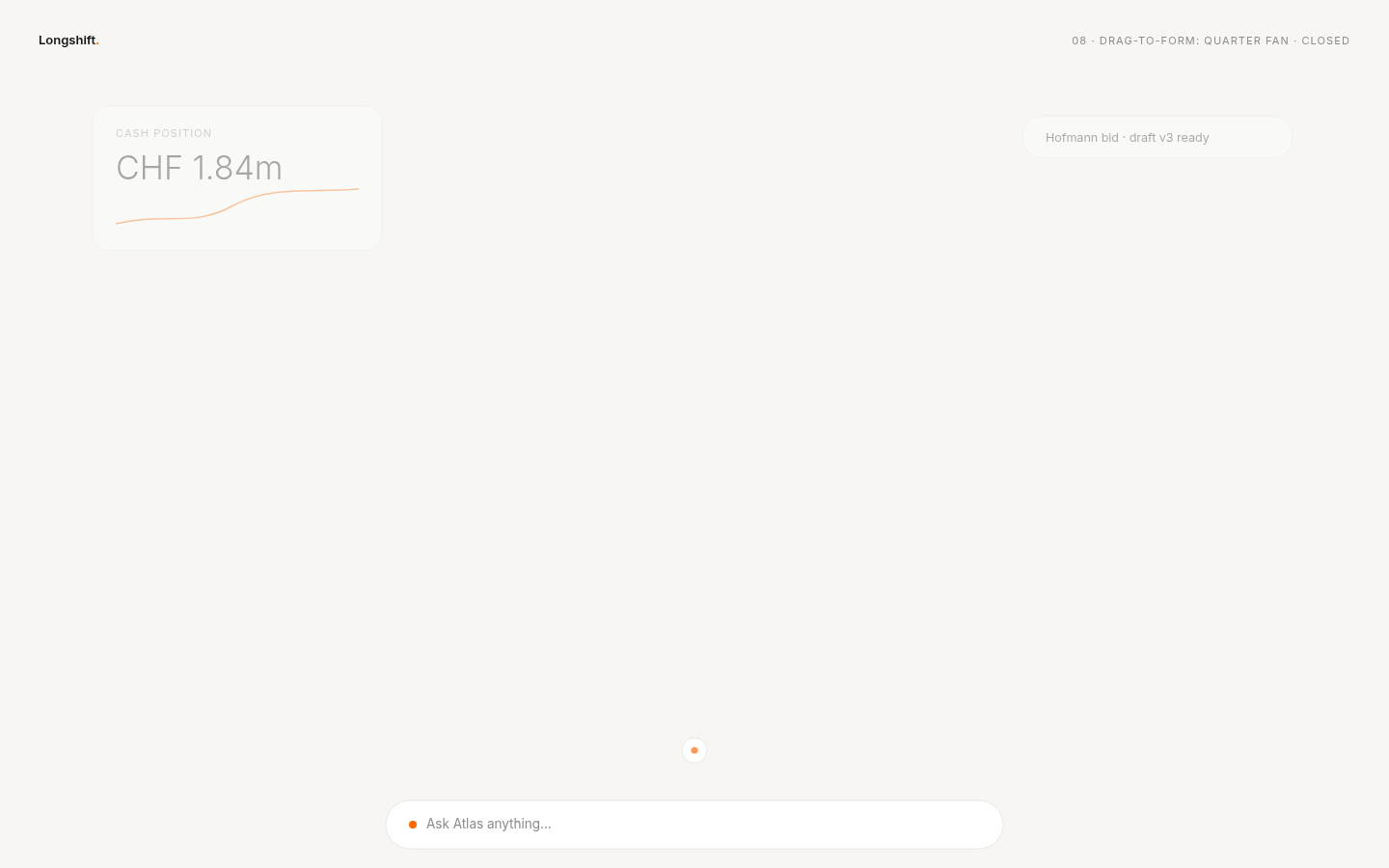 light · closed
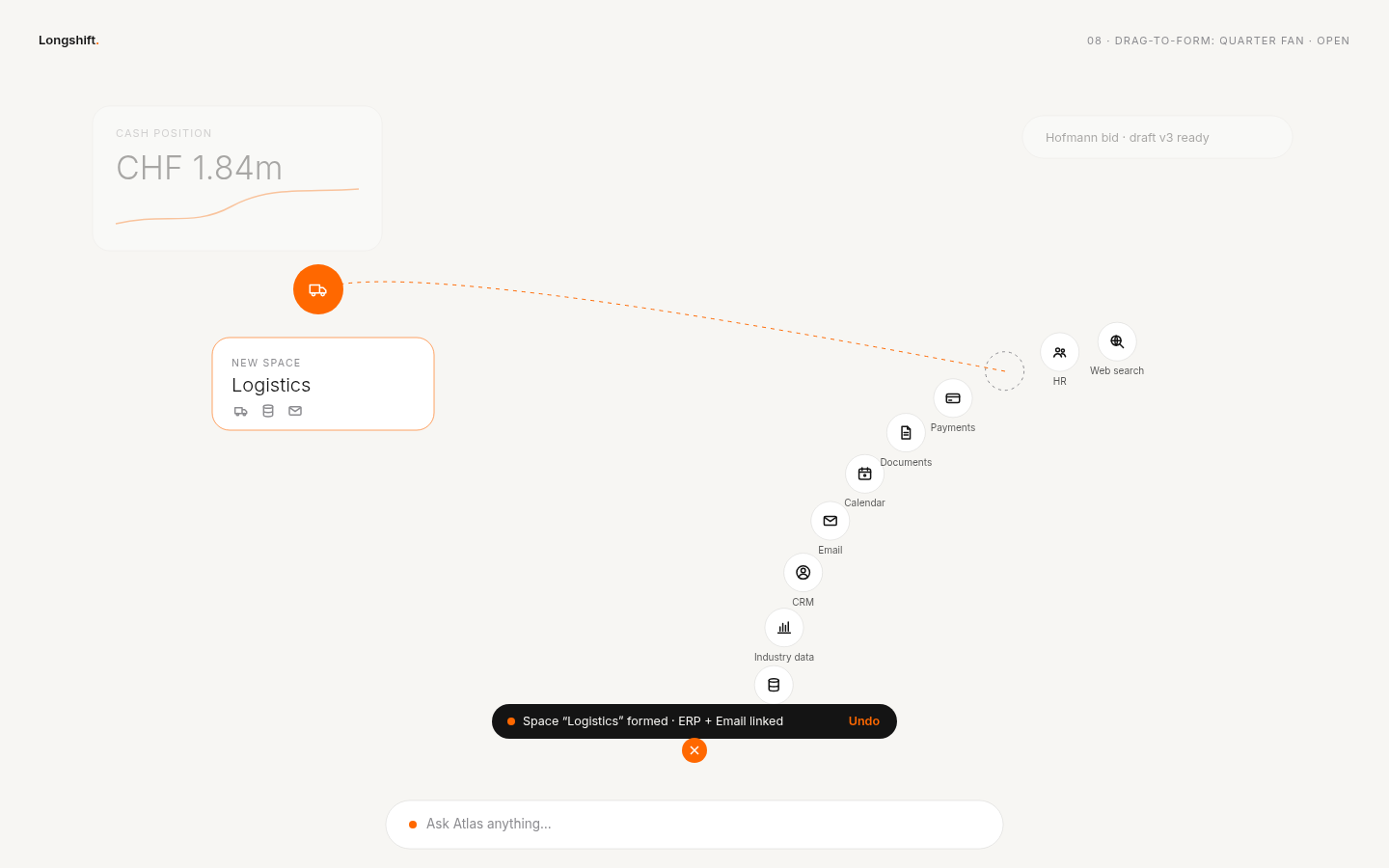 light · open
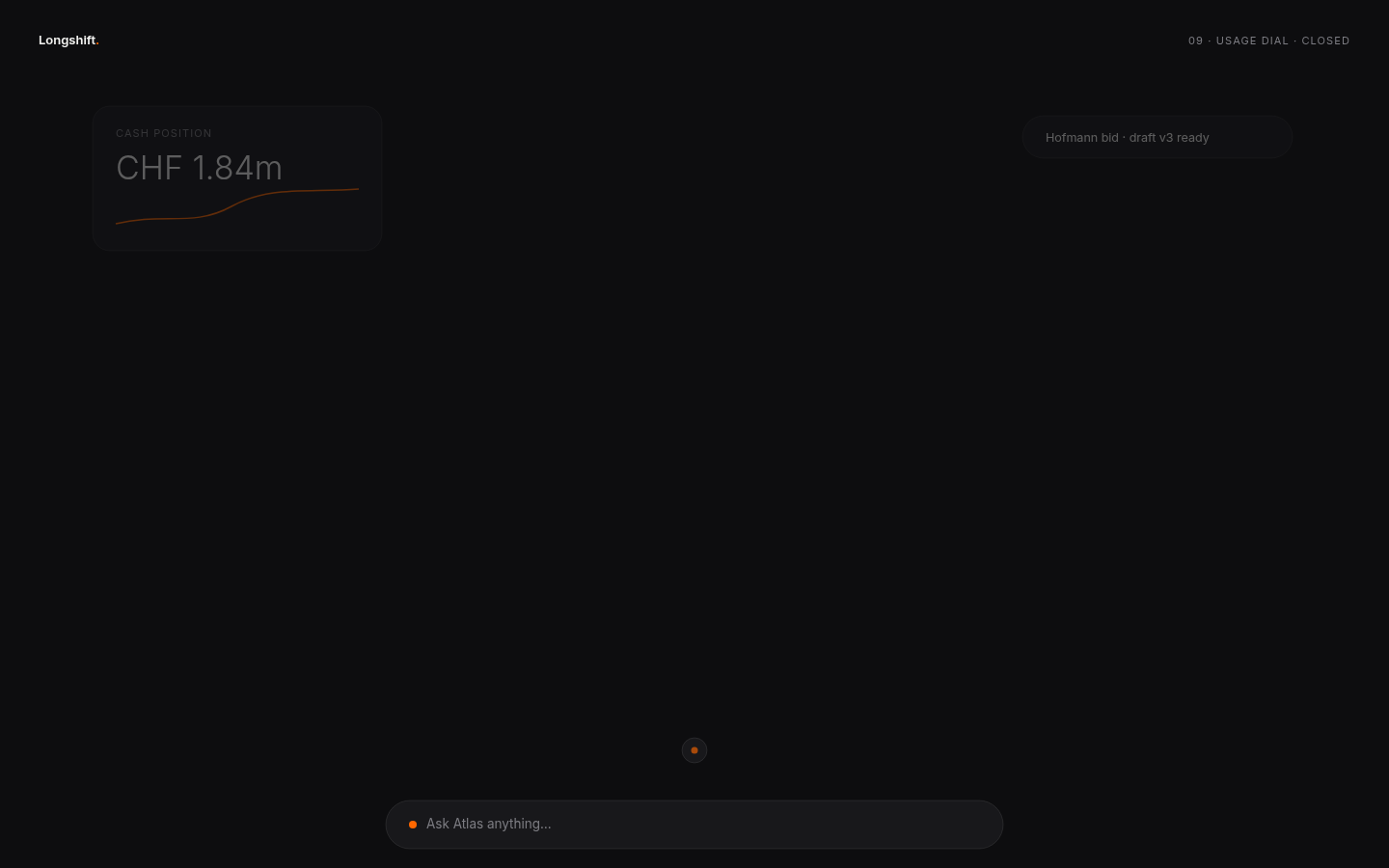 dark · closed
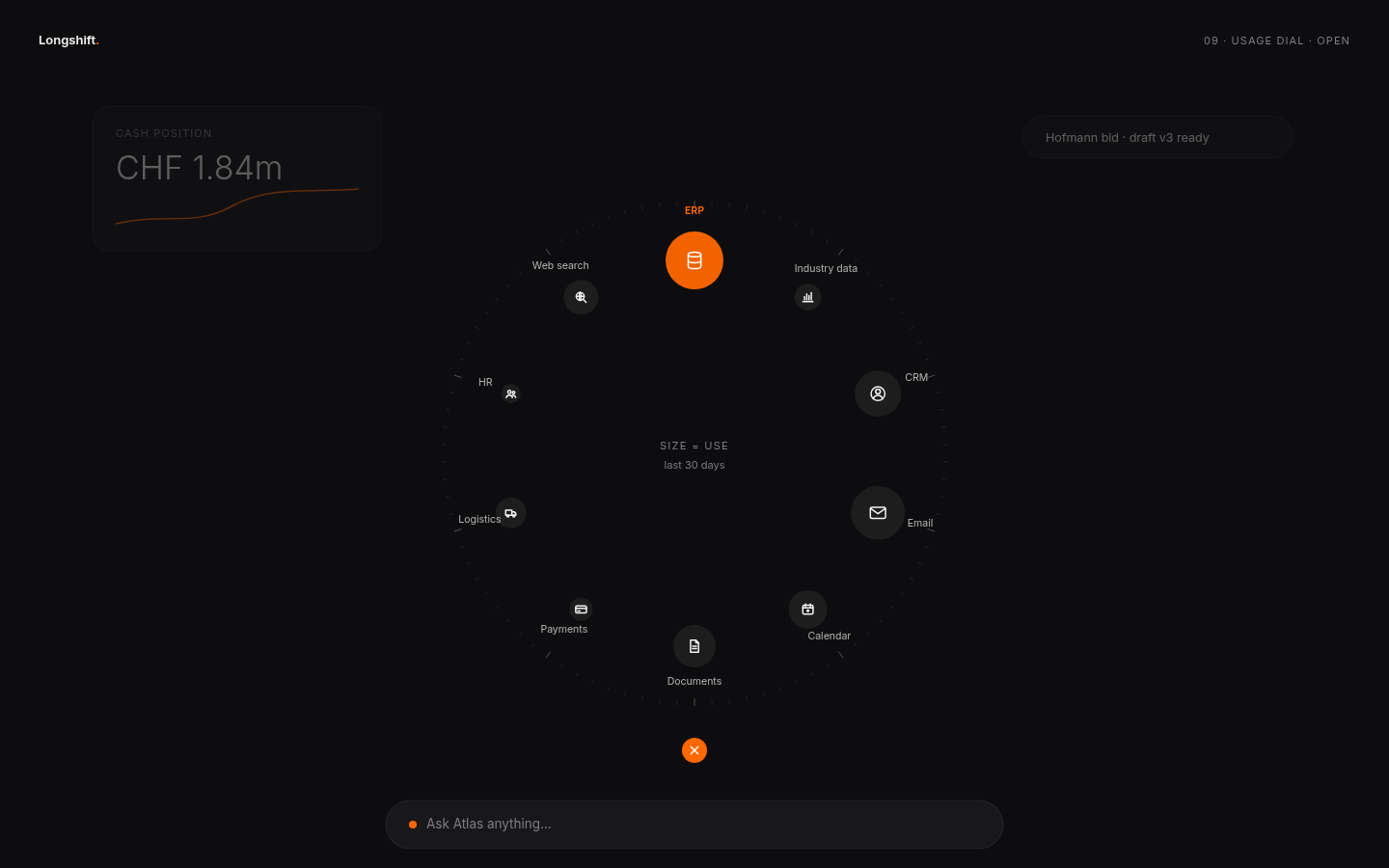 dark · open
 light · closed
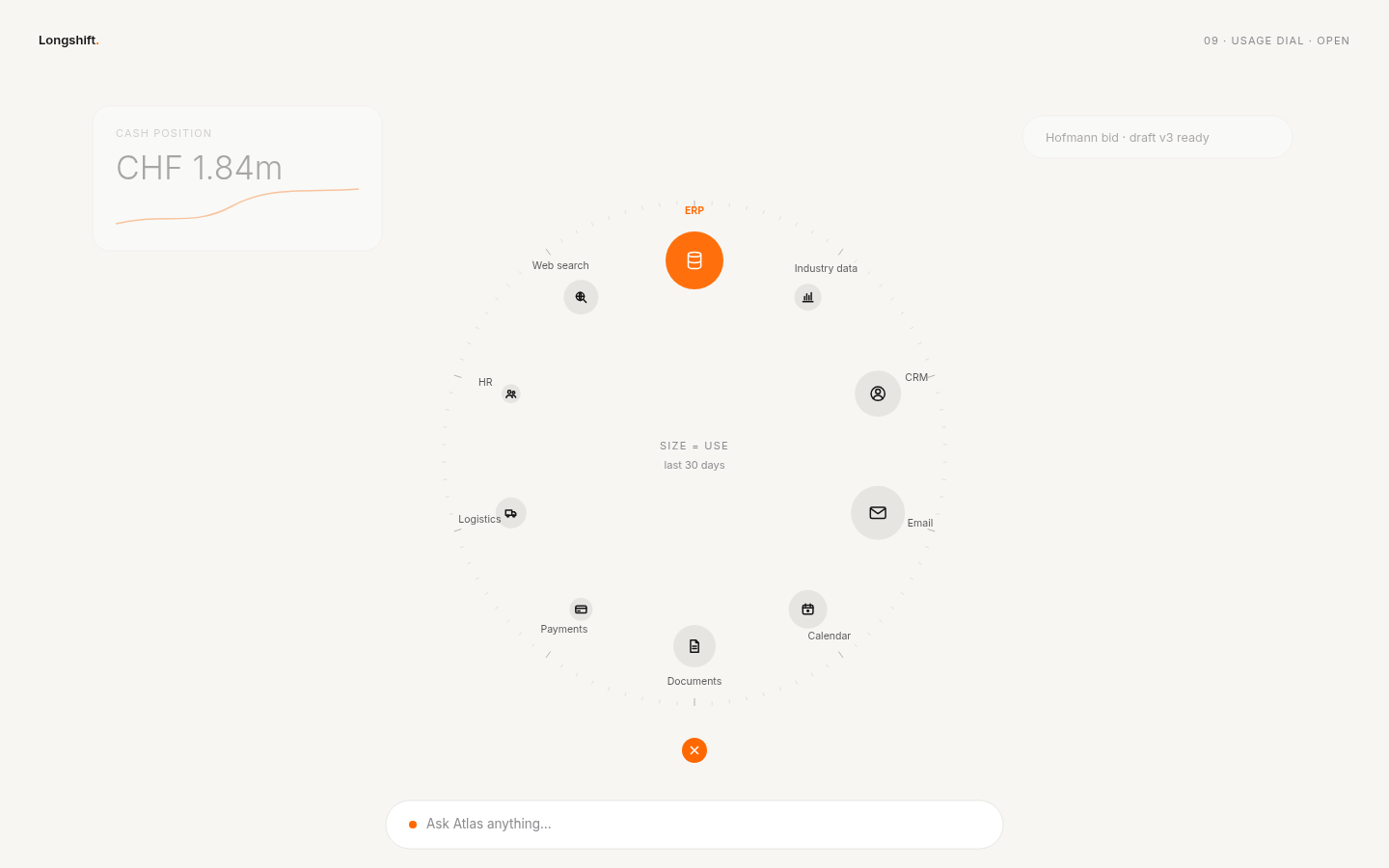 light · open
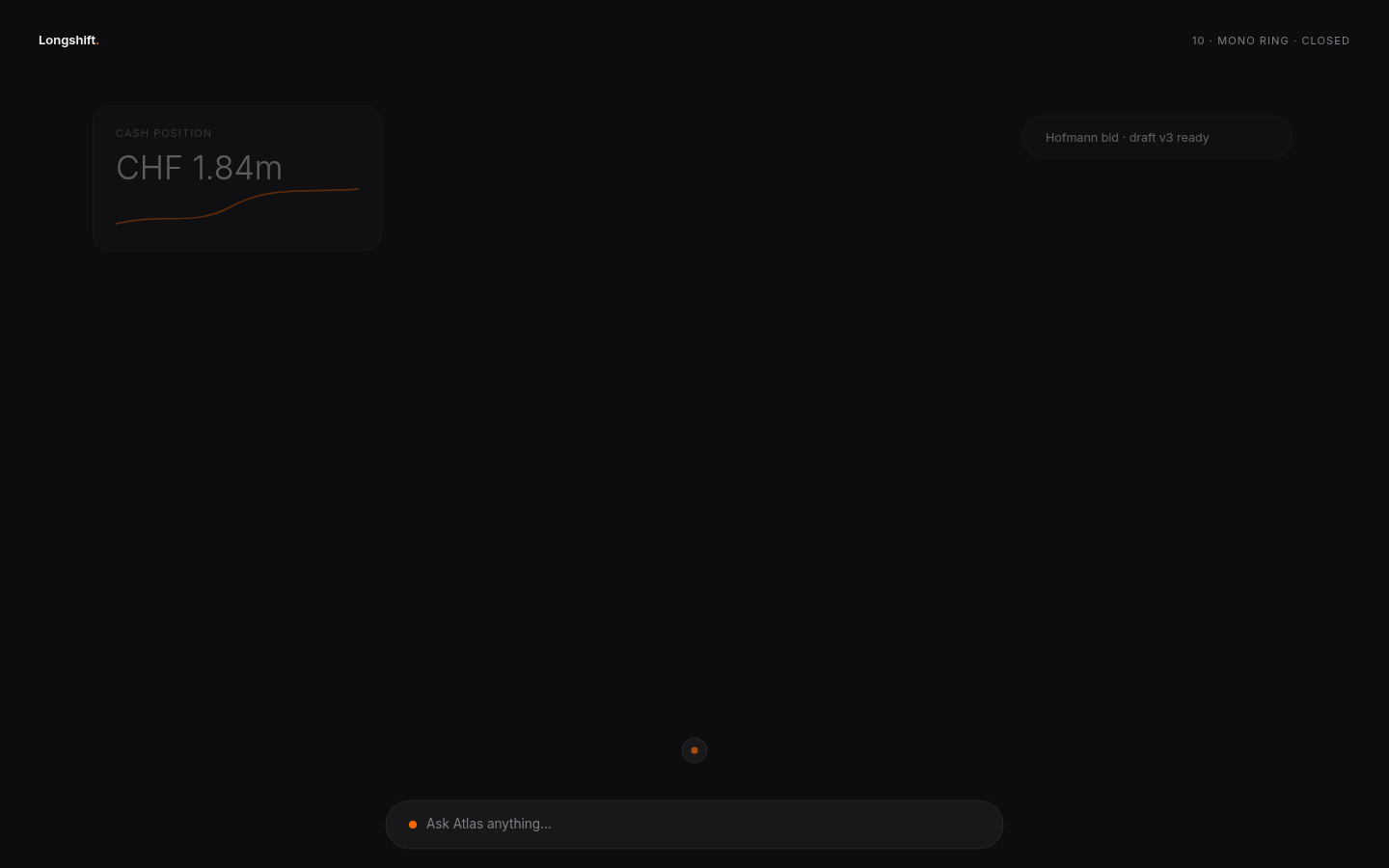 dark · closed
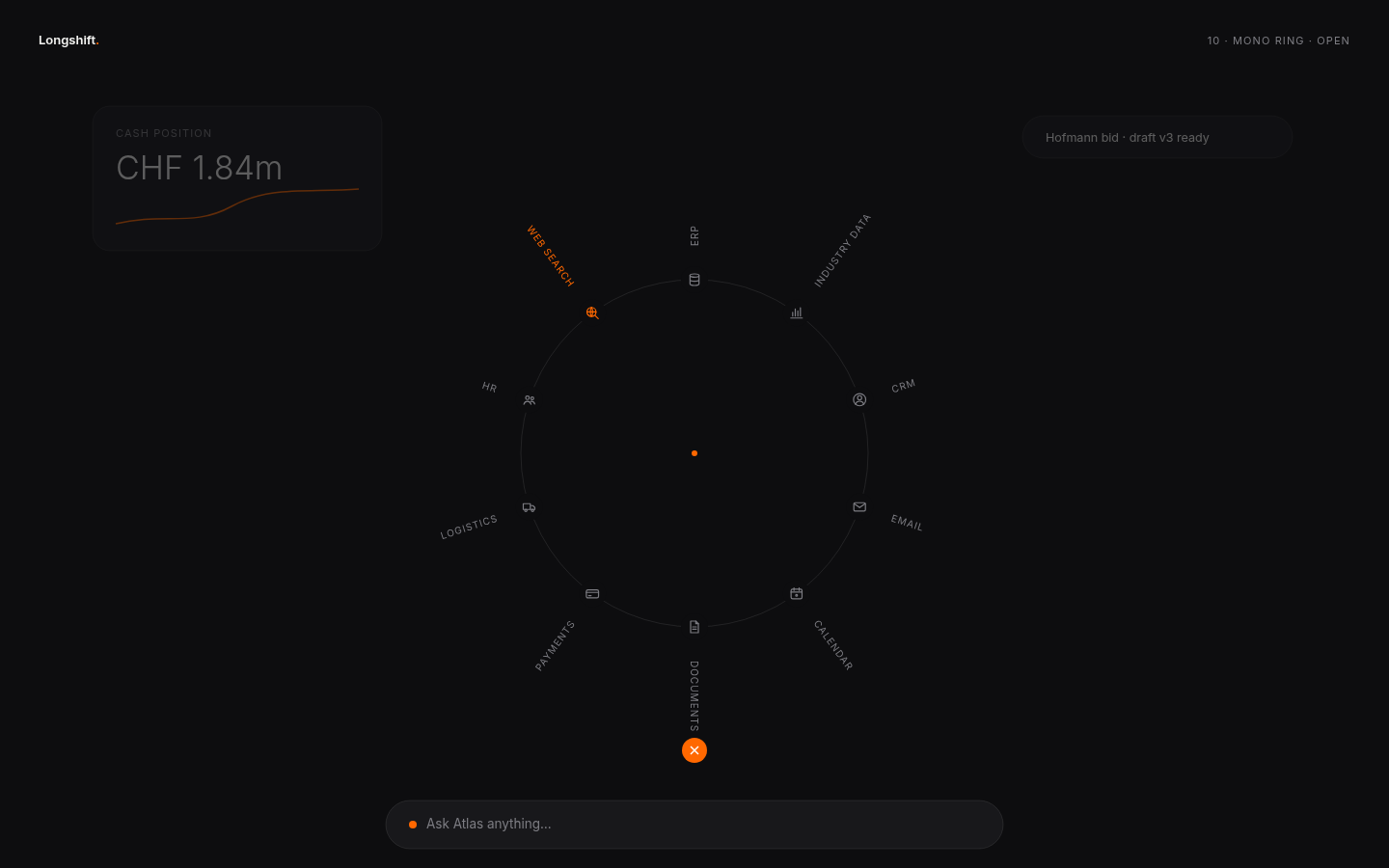 dark · open
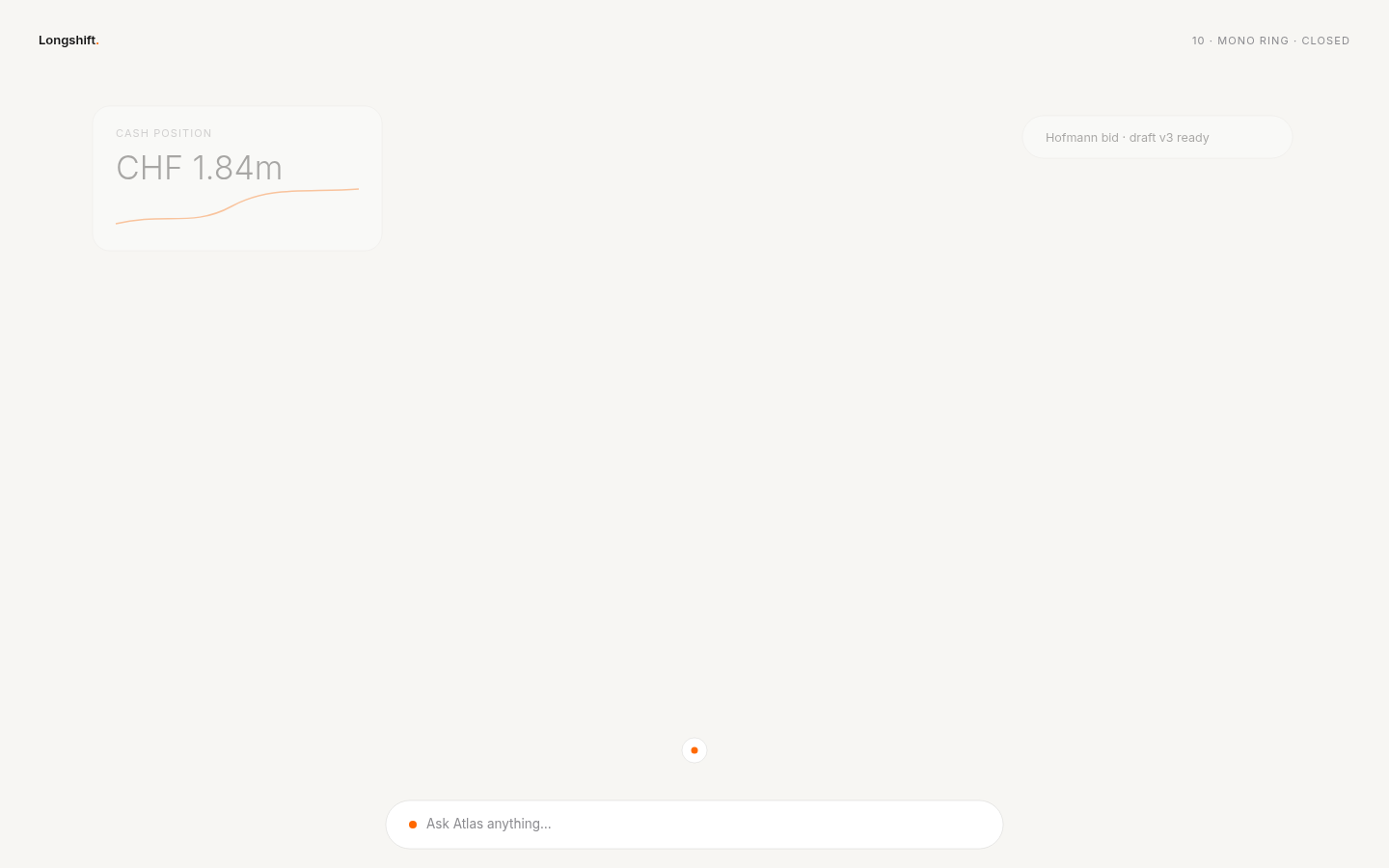 light · closed
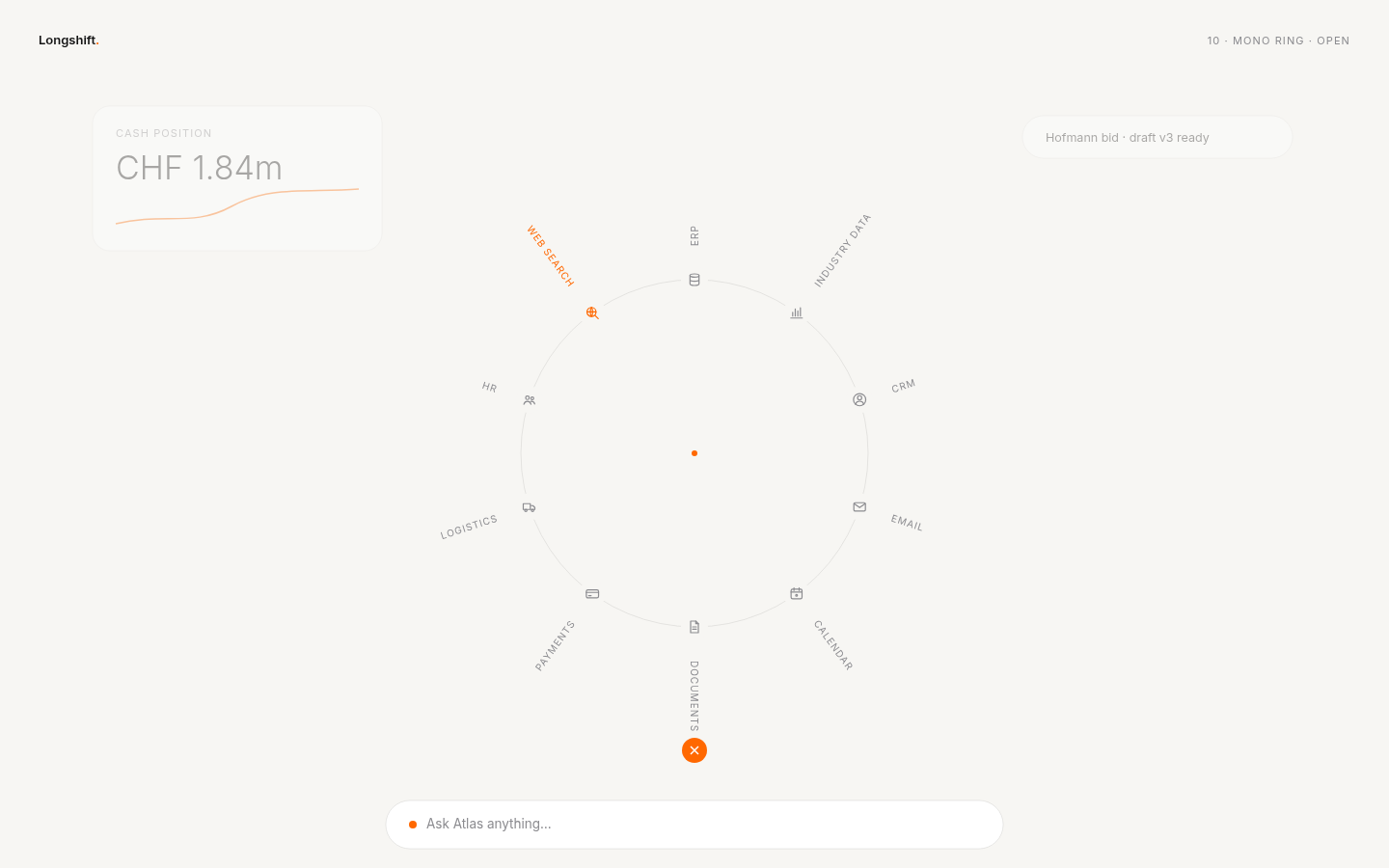 light · open